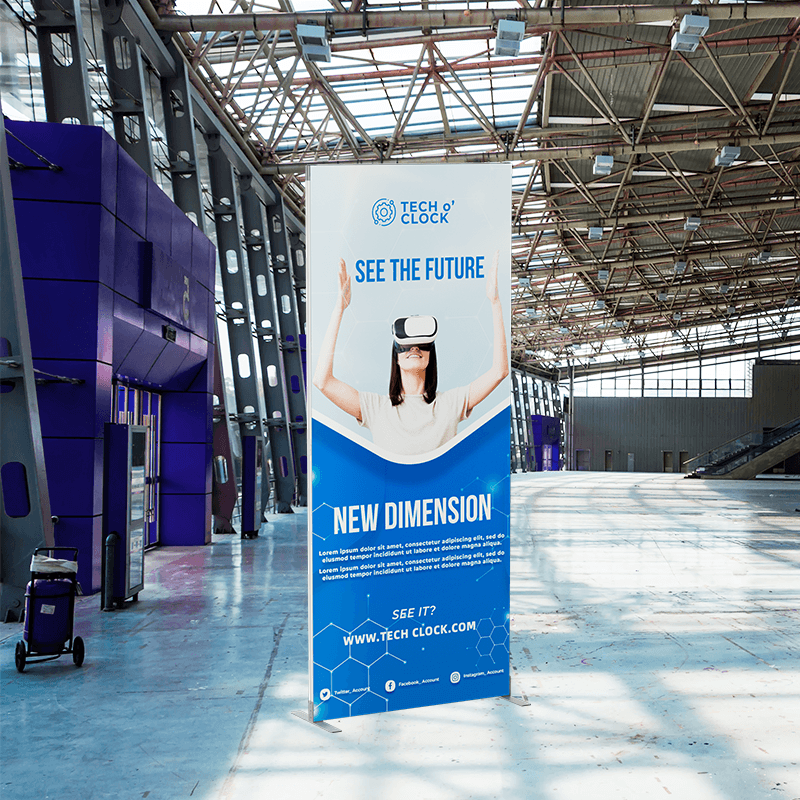
Transform Your Display in Seconds with Our Foldable SEG Frame
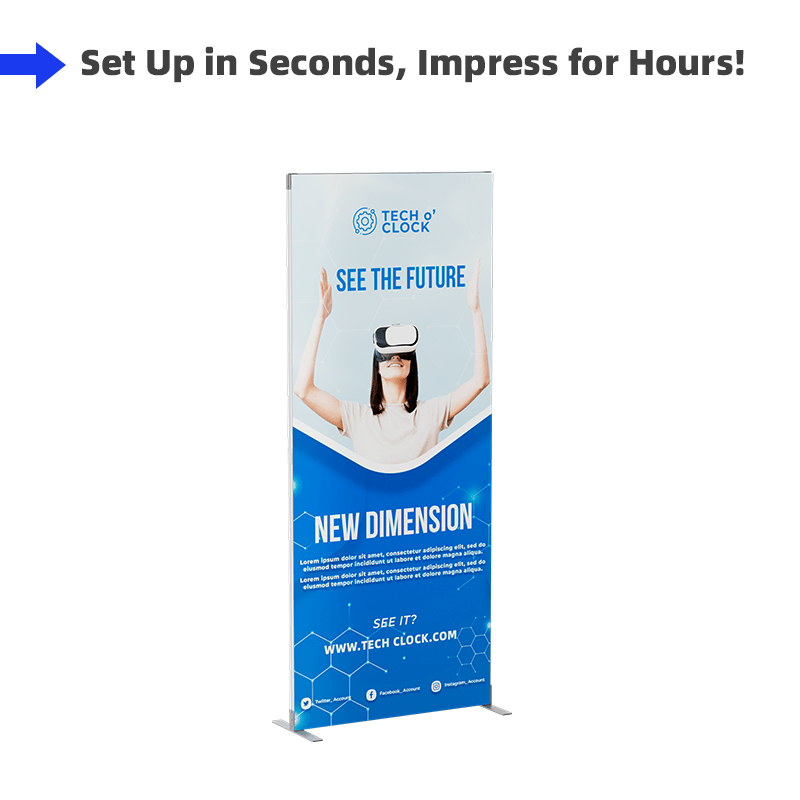
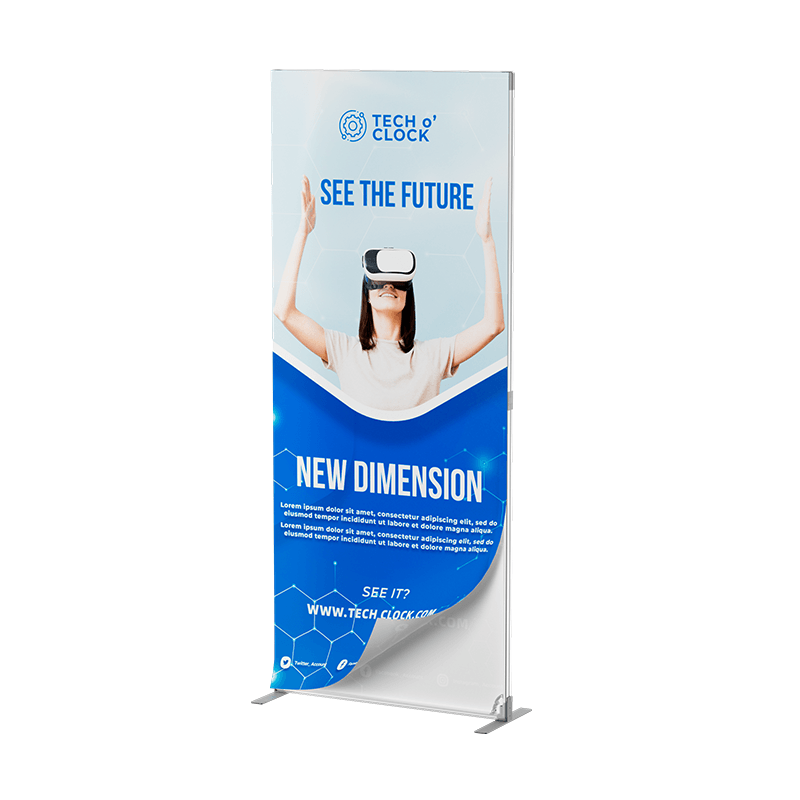
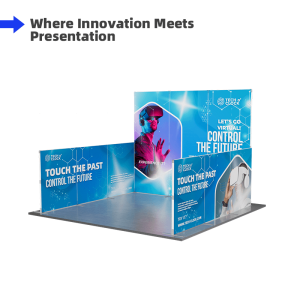
Introducing the Foldable SEG Fabric Display Stand, the ultimate solution for your display needs. Designed with convenience and efficiency in mind, this stand is super easy to set up, requiring just 10 seconds for assembly. Its modular design allows for versatile configurations to suit various display requirements. Whether you’re at a trade show, in a retail space, or presenting at an event, this cost-effective display stand provides a professional and sleek presentation every time.;
| Material | Graphic | Printing |
| Graphic: Flame-retardant 150g Backlit Fabric Frame: Aluminum |
Double-sided Graphics | Dye Sublimation |
| Width | Height | Display Size |
|
3.3ft
|
1.6ft |
3.3×1.6ft (100x50cm) |
| 3.3ft | 3.3×3.3ft (100x100cm) |
|
|
4ft |
3.3x4ft (100x120cm) |
|
|
6.6ft |
3.3×6.6ft (100x200cm) |
|
|
7.8ft |
3.3×7.8ft (100x240cm) |
| Width | Height | Display Size |
|
4ft
|
1.6ft |
4×1.6ft (120x50cm) |
| 3.3ft | 4×3.3ft (120x100cm) |
|
|
4ft |
4x4ft (120x120cm) |
|
|
6.6ft |
4×6.6ft (120x200cm) |
|
|
7.8ft |
4×7.8ft (120x240cm) |
Details
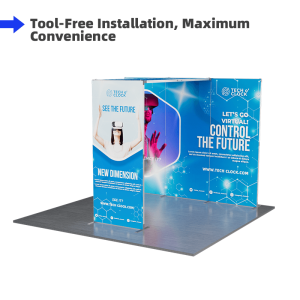
Set Up in a Snap: The Ultimate Foldable SEG Frame!
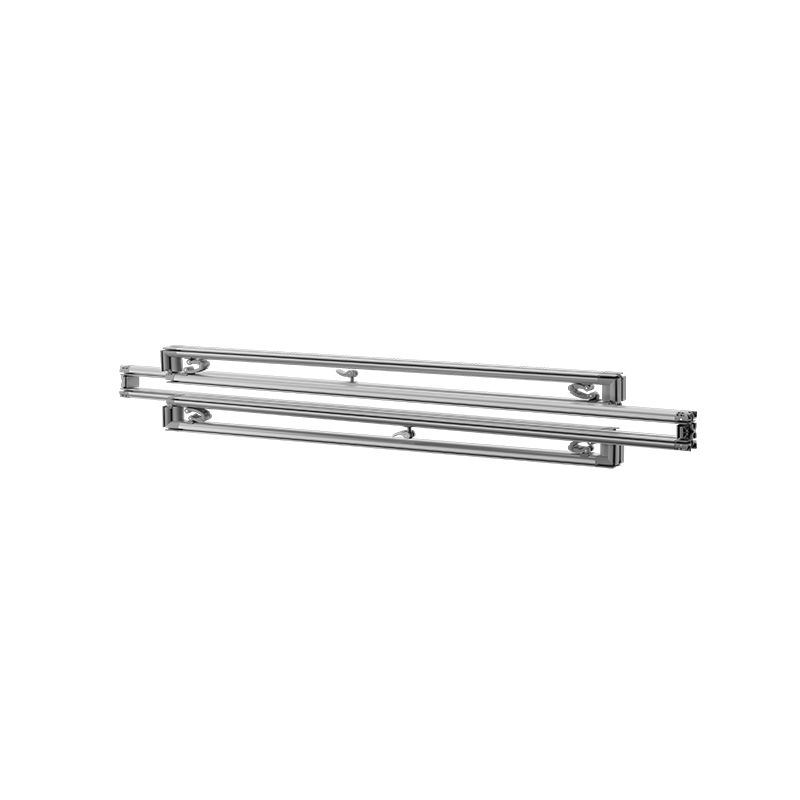
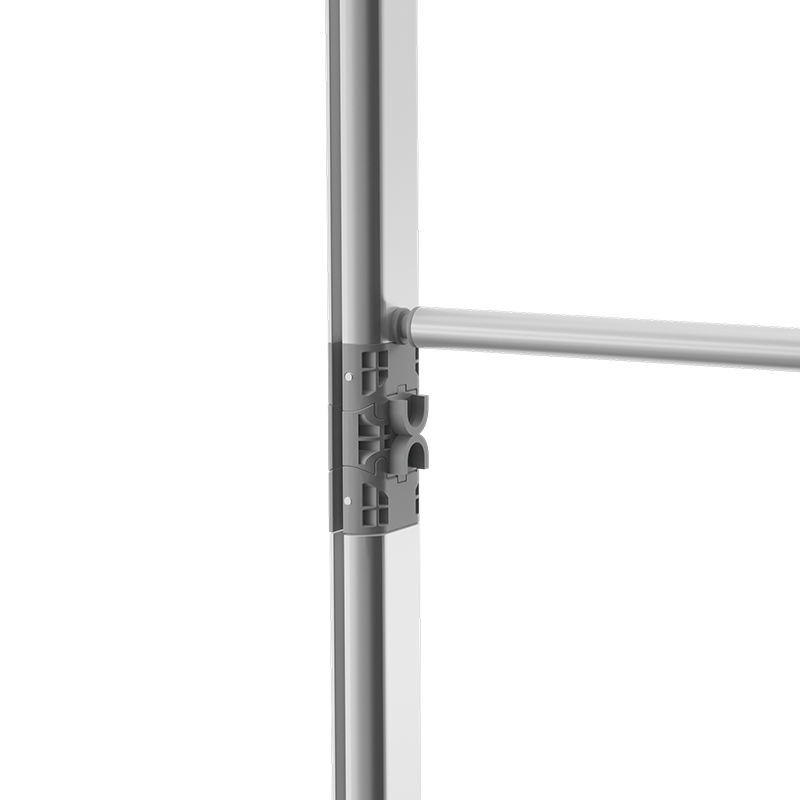
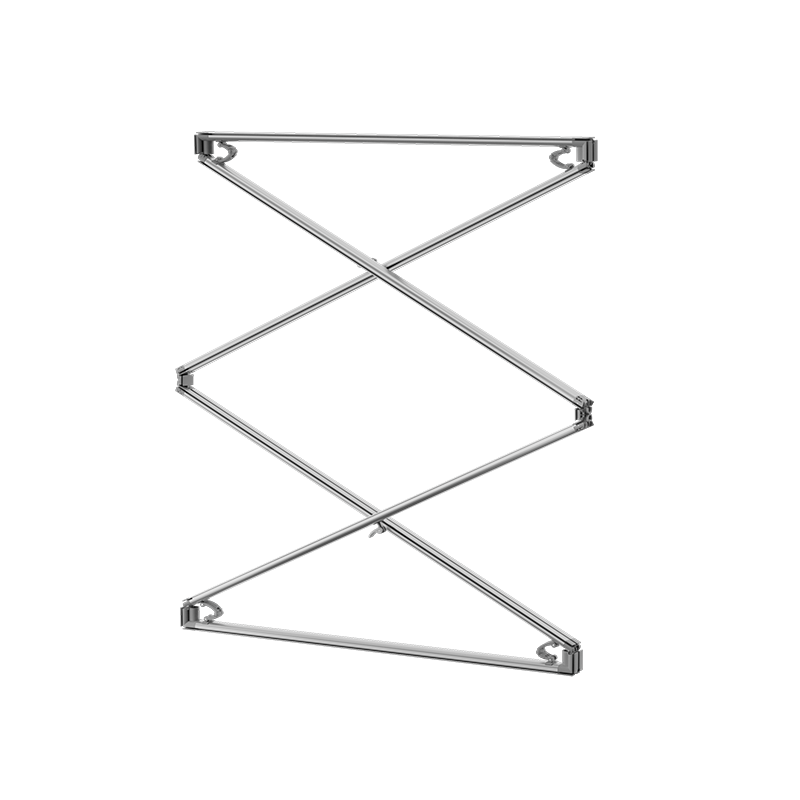
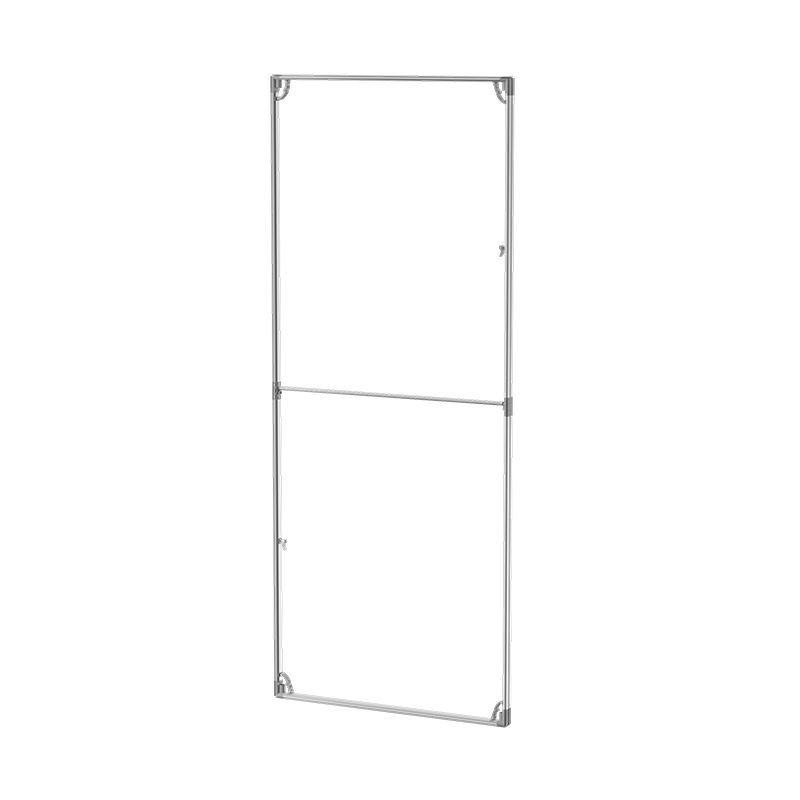
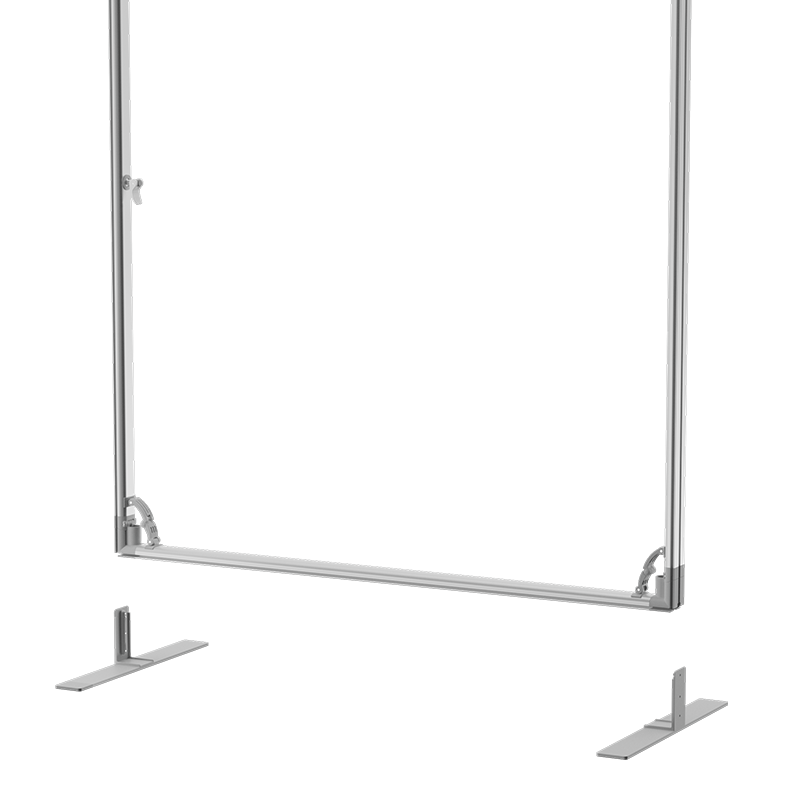
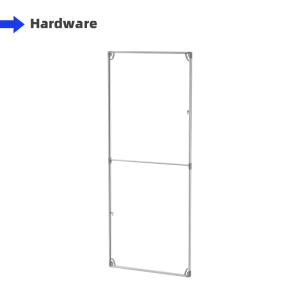
The foldable SEG frame is an upgraded version of the traditional SEG frame system. It allows for the complete construction of the entire frame in just 5-10 seconds, achieving a truly fast, toolless installation.
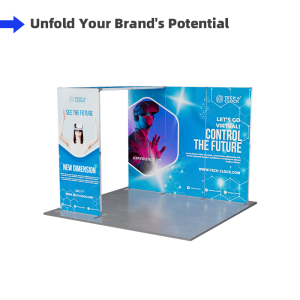
We have 10 optional sizes. The modular design allows you to add or remove sections to customize the display according to your needs.


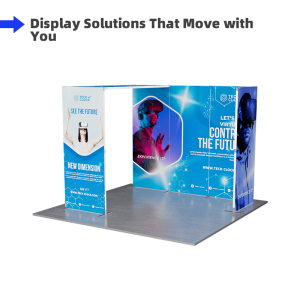
Foldable Design – Easy to transport and store, making it perfect for frequent travelers.
Modular Design – Customize the display with different configurations to fit your specific needs.
Cost-Effective – Offers professional display solutions without breaking the bank.


const containerWidth = 600 const containerHeight = 246 const heightList = [6.6, 7.4, 8.2] const widthList = [2.8, 3.3, 6.6, 10, 13, 16.4, 20] const maxHeight = heightList[heightList.length - 1] const maxWidth = widthList[widthList.length - 1]
let gridBox = document.getElementById('grid-box')
for (let x = 0; x < widthList.length; x++) { for (let y = 0; y < heightList.length; y++) { let index = heightList.length * x + y // 第几个元素 console.log(x, y, index) appendBox(index, ((widthList.length * heightList.length) - index), x, y) } } function appendBox(index, zIndex, xIndex, yIndex) { let wPer = widthList[xIndex] / maxWidth let width = (containerWidth * wPer).toFixed(0) let hPer = heightList[yIndex] / maxHeight let height = (containerHeight * hPer).toFixed(0) createTopBox(index, width, height, zIndex) createCenterBox(index, width, height, zIndex, xIndex, yIndex) createBottomBox(index, width, height, zIndex, xIndex, yIndex) } function createBottomBox(index, width, height, zIndex, xIndex, yIndex) { var bottomBox = document.createElement('div'); bottomBox.className='box' bottomBox.id = 'bottomBox' + index bottomBox.style.position = 'absolute' bottomBox.style.left = '0' bottomBox.style.bottom = '0' bottomBox.style.width = width + 'px' bottomBox.style.height = height + 'px' bottomBox.style.zIndex = zIndex // 添加边框和标尺 if (xIndex === widthList.length - 1) { var textBox = document.createElement('div'); textBox.style.position = 'absolute' textBox.style.top = '0' textBox.style.left = '-20px' textBox.innerText = heightList[yIndex] textBox.style.fontSize = '10px' textBox.style.fontWeight = 'Bold' textBox.style.lineHeight = '10px' textBox.style.color = yIndex%2===0 ? '#092235' : '#d52e2e' bottomBox.appendChild(textBox) bottomBox.style.borderTop = '1px solid #979797' if (yIndex === 0) { bottomBox.style.borderBottom = '1px solid #979797' } } if (yIndex === heightList.length - 1) { var textBox = document.createElement('div'); textBox.style.position = 'absolute' textBox.style.bottom = '-15px' textBox.style.right = '0' textBox.innerText = widthList[xIndex] textBox.style.fontSize = '10px' textBox.style.fontWeight = 'Bold' textBox.style.lineHeight = '10px' textBox.style.color = xIndex%2===0 ? '#092235' : '#d52e2e' bottomBox.appendChild(textBox) bottomBox.style.borderRight = '1px solid #979797' if (xIndex === 0) { bottomBox.style.borderLeft = '1px solid #979797' } } gridBox.appendChild(bottomBox) return bottomBox } function createCenterBox(index, width, height, zIndex, xIndex, yIndex) { var centerBox = document.createElement('div'); centerBox.id = 'centerBox' + index centerBox.style.position = 'absolute' centerBox.style.left = '0' centerBox.style.bottom = '0' centerBox.style.width = width + 'px' centerBox.style.height = height + 'px' centerBox.style.zIndex = 1000 + zIndex centerBox.style.backgroundColor = '#e9ecff' centerBox.style.border = '2px solid #103FC3' centerBox.style.display = 'none' centerBox.style.justifyContent = 'center' centerBox.style.alignItems = 'center' centerBox.style.boxSizing = 'border-box' var textBox = document.createElement('div'); textBox.innerText = widthList[xIndex] + 'ft*' + heightList[yIndex] + 'ft' centerBox.appendChild(textBox) gridBox.appendChild(centerBox) return centerBox } function createTopBox(index, width, height, zIndex) { var topBox = document.createElement('div'); topBox.id = 'topBox' + index topBox.style.position = 'absolute' topBox.style.left = '0' topBox.style.bottom = '0' topBox.style.width = width + 'px' topBox.style.height = height + 'px' topBox.style.zIndex = 10000 + zIndex topBox.addEventListener('mouseover', () => { console.log(index) document.getElementById('centerBox' + index).style.display = 'flex' }) topBox.addEventListener('mouseout', () => { document.getElementById('centerBox' + index).style.display = 'none' })
gridBox.appendChild(topBox) return topBox }
Artwork Requirements
Artwork must be created using the provided templates.
1. Acceptable file types include PDF, AI, EPS, PSD, PNG, TIF, TIFF, JPG, and SVG, among which
AI and PDF are highly recommended.
2. Files must be the same exact size as what is
ordered.
3. The maximum size of the file should be 200M. If you have much larger
files, please contact our customer service representatives.
4. Please review the artwork specification before uploading your file. We will not be responsible for the delayed orders due to artwork that cannot meet the provided requirements.
Notice: For the custom size products, you can just upload your artwork when placing order and our artwork person will help you set up the template.
Template
(Please download and use our artwork templates before submitting your artwork.)
Production Time
4 turnaround options available to fit your different needs:
1 Day Rush Order, 2 Days Fast Order, 3 Days Standard Order, 4 Days Economy Order.
(*production time shall be calculated from artwork being approved).
Delivery Time
From China to the US: About 2-5 Working Days
From China to Australia: About 2-5 Working Days
From China to Canada: About 2-5 Working Days
If you or your clients do not receive products within the scheduled delivery time, you can contact our customer service reps for help.


Reviews
There are no reviews yet.