

20ft Multifunctional Trade Booth – Make Your Booth the Center of Attention
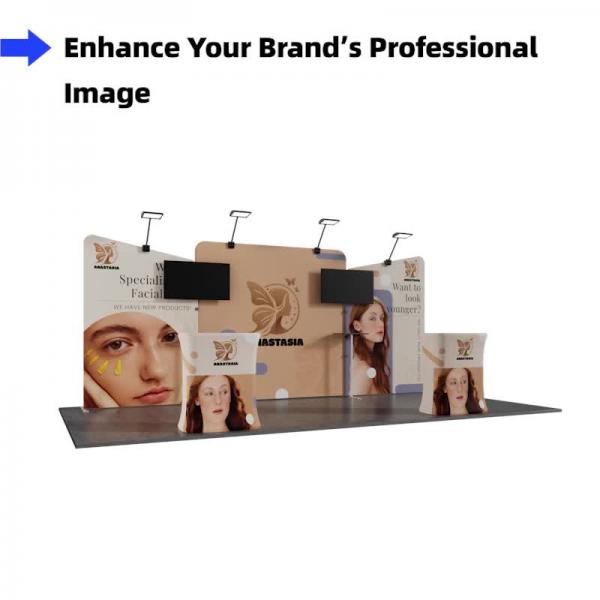
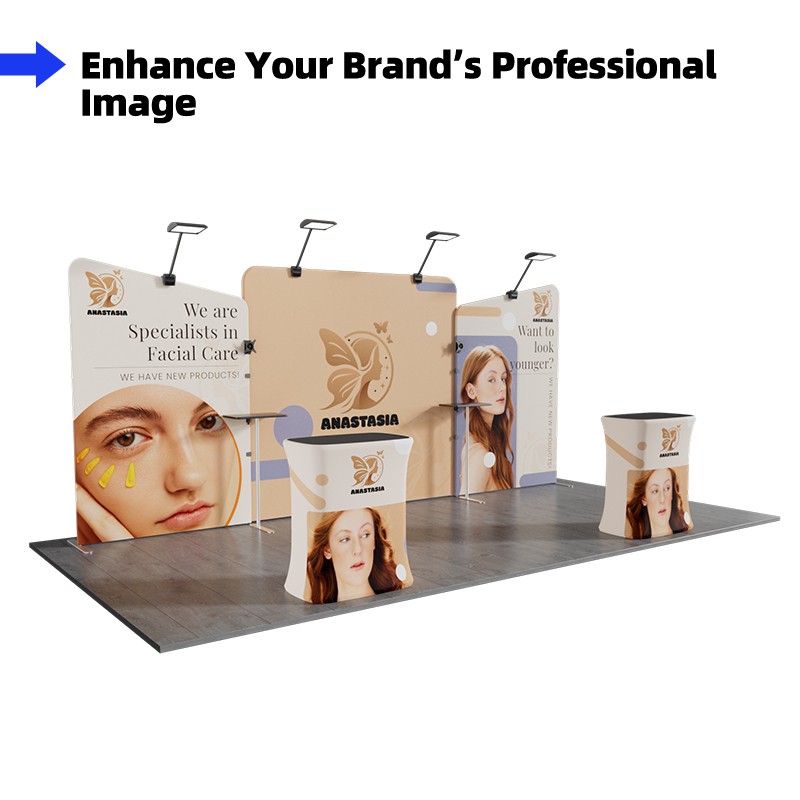
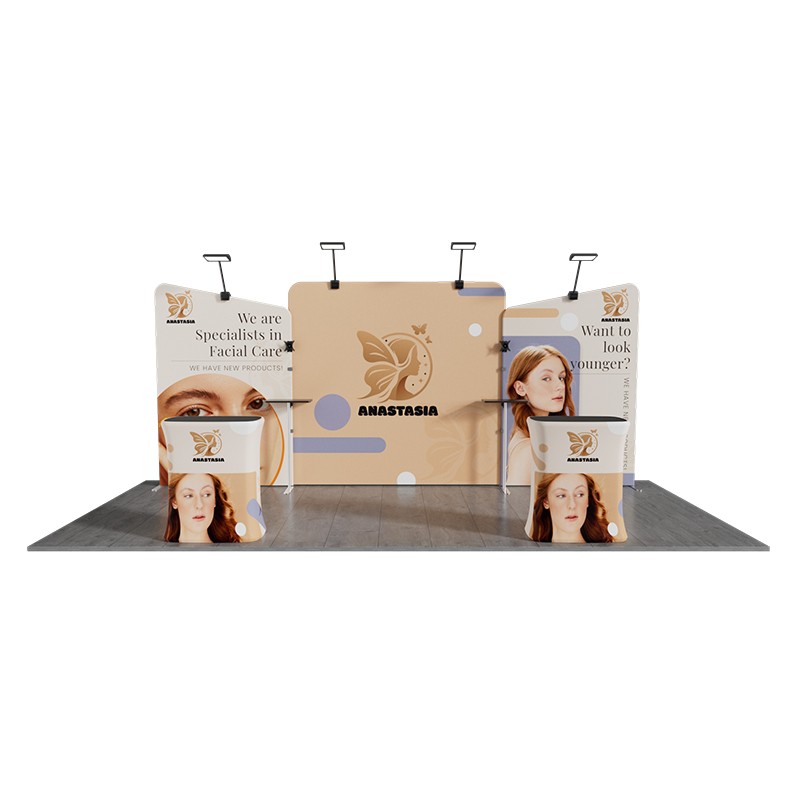
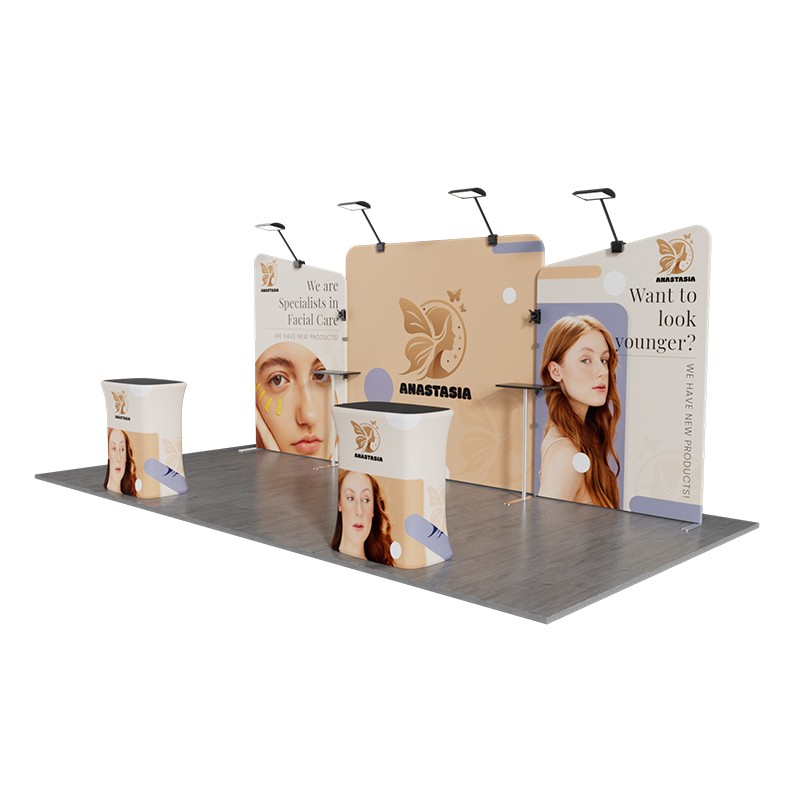
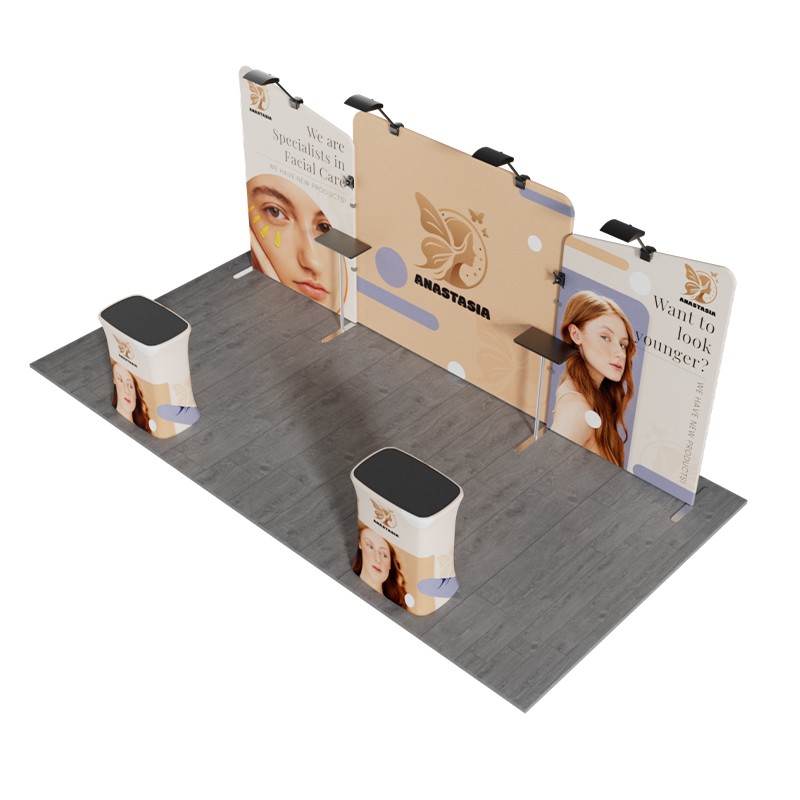
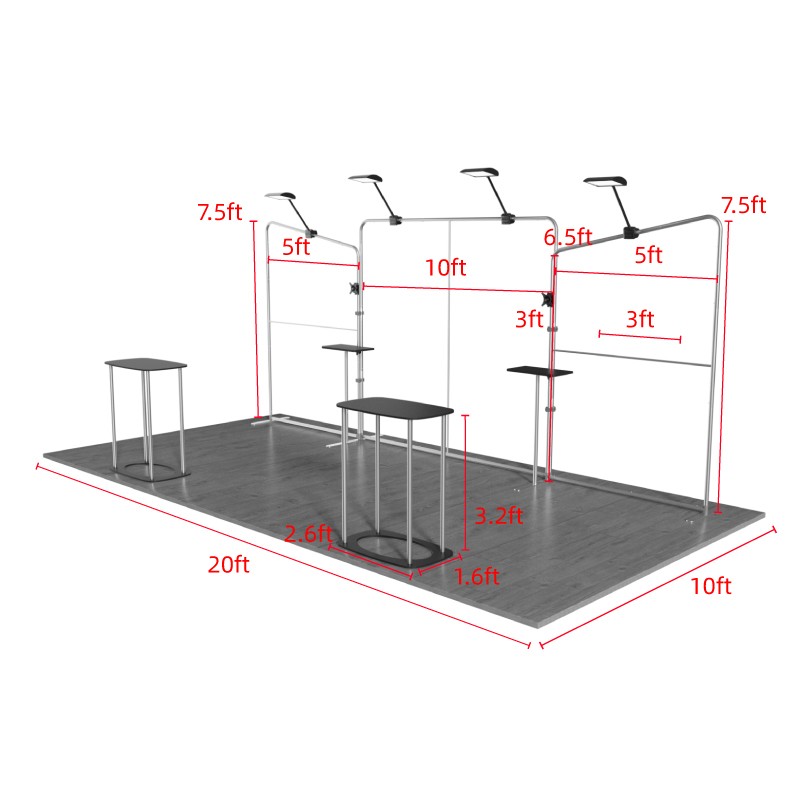
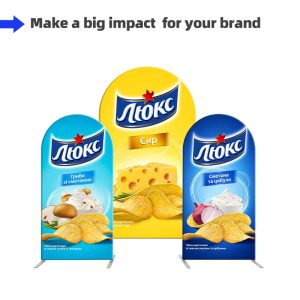
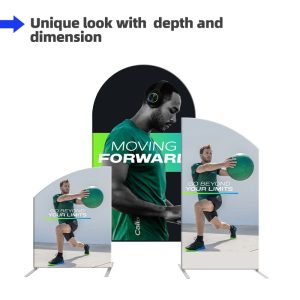
This 10x20ft trade booth is versatile, designed with multiple components that work together seamlessly. Its striking appearance, paired with large impactful graphics, creates a powerful visual effect that showcases your brand and captures the attention of visitors instantly. The combination of static and dynamic displays allows you to convey brand information through still images and highlight product details using TV. The spacious layout also provides ample room for customer interaction. Perfect for trade shows, product launches, and other business events, this booth offers the ideal space to promote your brand and products.
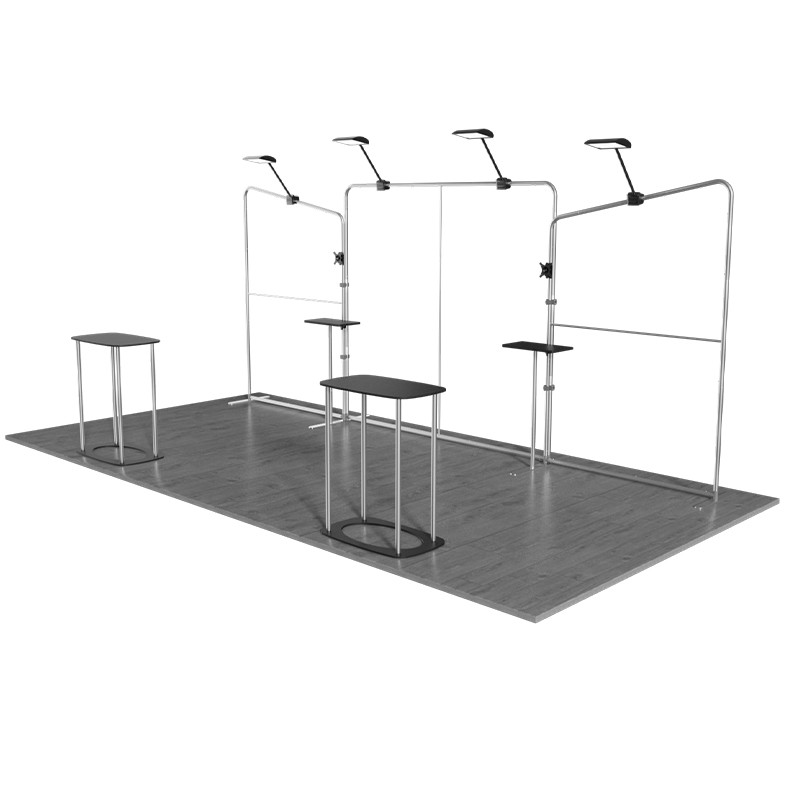
The booth features a modular design, allowing easy customization and flexibility. Components can be combined or reduced based on the size of the exhibition space, making it easy to adjust to different booth sizes. This design not only improves the booth’s adaptability but also makes it easy to transport and store. Made from durable, high-strength aluminum, the booth is lightweight and corrosion-resistant, designed to withstand repeated use, saving you money while maintaining top condition even after frequent exhibitions.
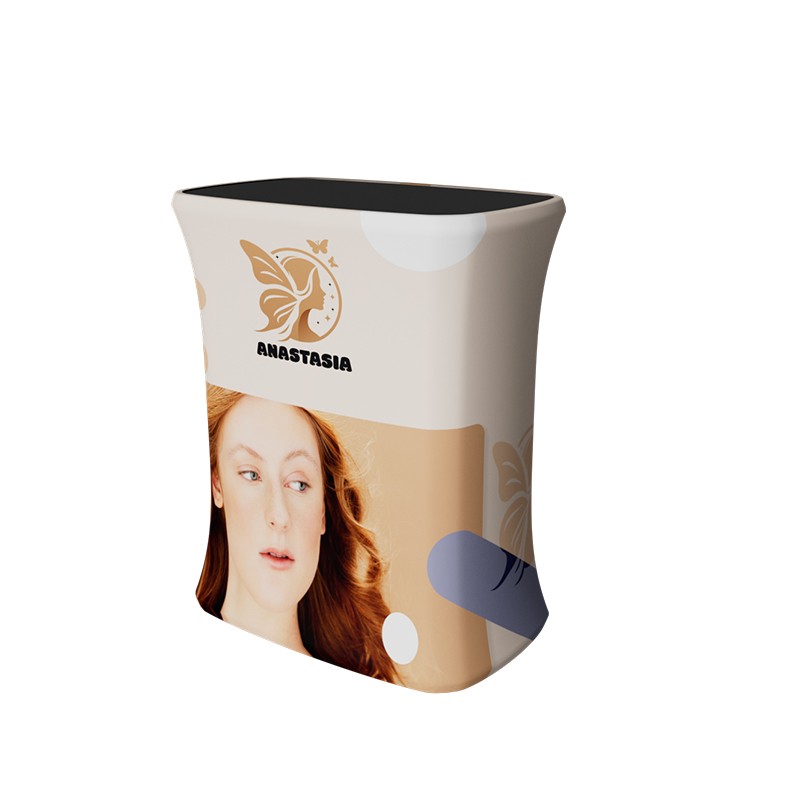
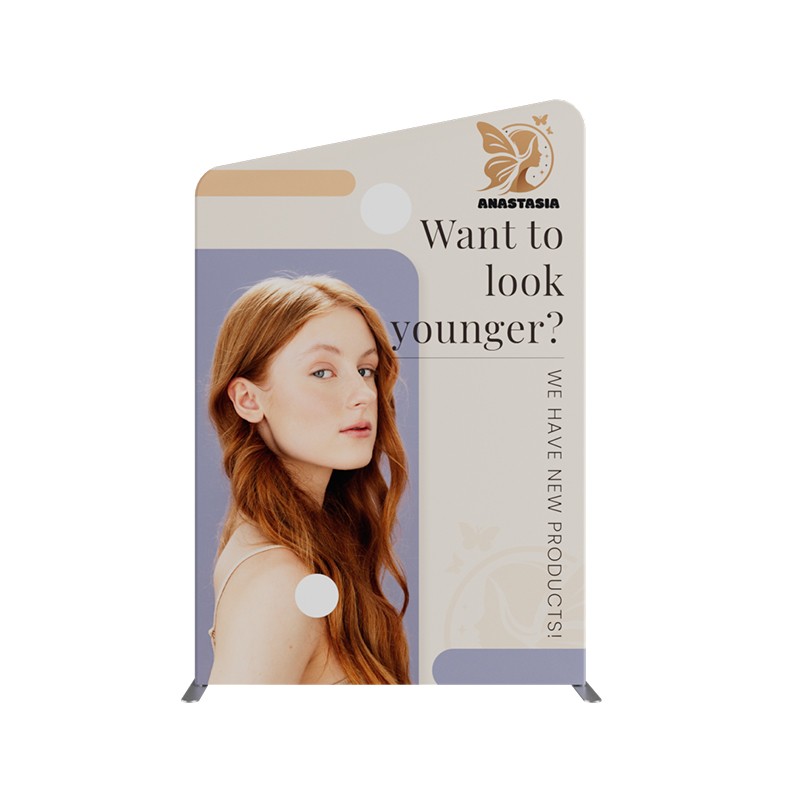
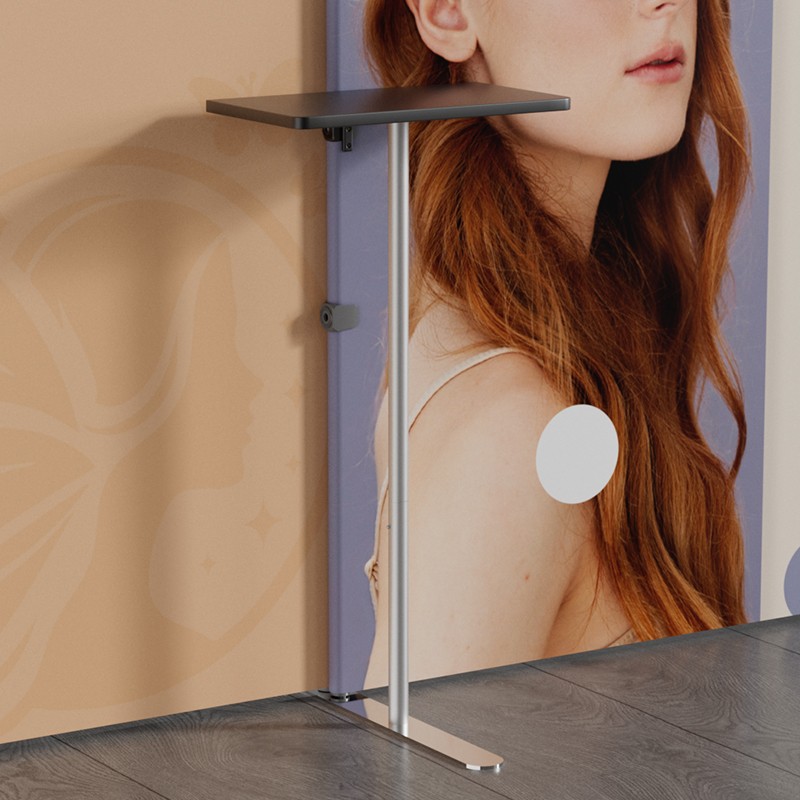
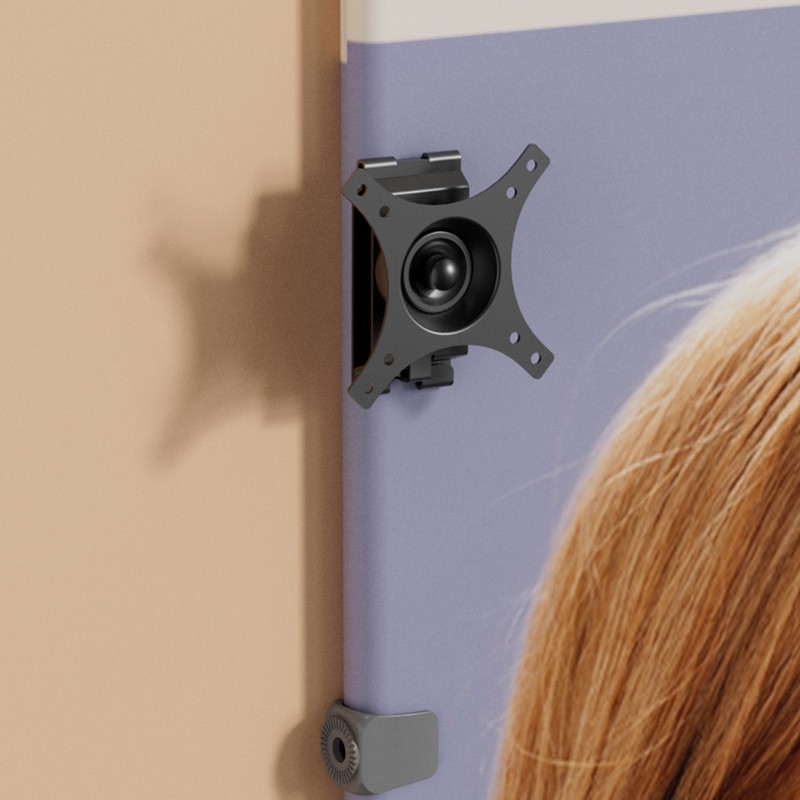
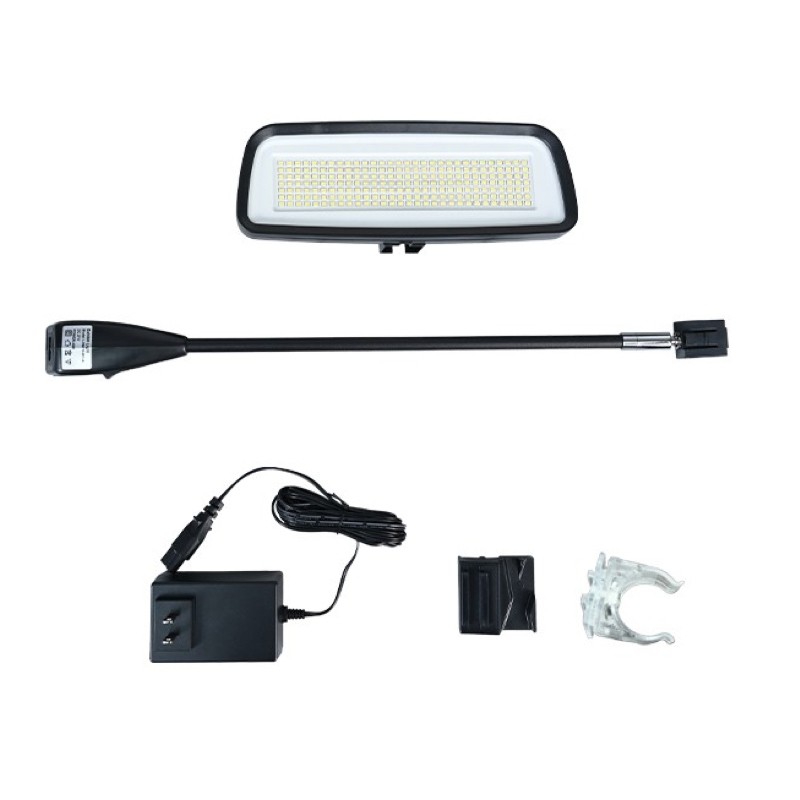
The booth includes 2 slope-top banner stand, 1 background , 2 modular tables, 2 counters, 4 LED lights, and 2 TV mounts. These components create a highly functional setup. The 20ft background wall, formed by three display and four 40W LED lights, highlights the booth and creates a bold visual effect. The two counters can serve as podiums for communication with clients or as storage for promotional materials. The TV mounts allow dynamic product displays, complementing the static visuals. The booth is easy to assemble — simply connect the numbered tubes, slide the stretch fabric onto the frame, and zip up the graphic fabric to complete the setup. Plus, replacing the graphics gives the booth a fresh look, providing a cost-effective solution for ongoing trade exhibitions.


Modular Flexibility – The modular design allows the booth to be easily customized to fit different exhibition spaces.
Low-Cost Maintenance – Updating the booth’s look is easy — just replace the graphics to keep your display fresh and cost-efficient for long-term exhibitions.
Multifunctional Components – This booth combines lighting, dynamic and static displays, and storage, providing the perfect solution for your exhibition.


Drag the mouse to view the product in 360 degrees.
| Item | Graphic Size | Frame Size | Material | Printing | Tube Dia | Tube Thickness | Weight Capacity | Quantity |
| Slope-Top Fabric Banner Stand | 60 x 90 inch (152.40 x 228cm) |
60 x (78-96)inch 152.40 x (198.12- 228)cm |
Graphic: Flame-retardant 240g Tension Fabric
Frame: Aluminum Board: Density Board Shelve: Density Board |
Dye Sublimation | 32mm | 1mm | / | 2 |
| Straight Tension Fabric Display | 115.04 x 89.76 inch (292.20 x 228cm) |
115.04 x 89.76 inch (292.20 x 228cm) |
1 | |||||
| Deluxe Square Popup Booth | 89.76 x 38.98 inch (228 x 99cm) |
31.50 x 19.69 x 38 inch ( 80 x 50 x 96.5cm) |
2 | |||||
| Modular Table | / | 21.65 x 39.37 inch (55 x 100cm) |
5-15kg | 2 |
| Item | Material | Weight Capacity | Supported TV Sizes | VESA Size | Distance to the Wall | Quantity |
| TV Rack | Cold Rolled Steel | Up to 29.98 lbs(13.6 kg) | 15 to 27-inch TV | 75×75/100×100 mm | 46.5mm | 2 |
| Item | Output Voltage | Power | Lumens | Led | Color Temperature | Quantity |
| LED Lights | 21V | 40W | 6000Lm | 210 PCS SMD 2835 LED Chip | Cool white/ Warm white/Customized | 4 |
Artwork Requirements
Artwork must be created using the provided templates.
1. Acceptable file types include PDF, AI, EPS, PSD, PNG, TIF, TIFF, JPG, and SVG, among which
AI and PDF are highly recommended.
2. Files must be the same exact size as what is
ordered.
3. The maximum size of the file should be 200M. If you have much larger
files, please contact our customer service representatives.
4. Please review the artwork specification before uploading your file. We will not be responsible for the delayed orders due to artwork that cannot meet the provided requirements.
Notice: For the custom size products, you can just upload your artwork when placing order and our artwork person will help you set up the template.
Template
(Please download and use our artwork templates before submitting your artwork.)
-
10x20ft Trade Show Booth Kit – A6


Production Time
4 turnaround options available to fit your different needs:
1 Day Rush Order, 2 Days Fast Order, 3 Days Standard Order, 4 Days Economy Order.
(*production time shall be calculated from artwork being approved).
Delivery Time
From China to the US: About 2-5 Working Days
From China to Australia: About 2-5 Working Days
From China to Canada: About 2-5 Working Days
If you or your clients do not receive products within the scheduled delivery time, you can contact our customer service reps for help.


Reviews
There are no reviews yet.