

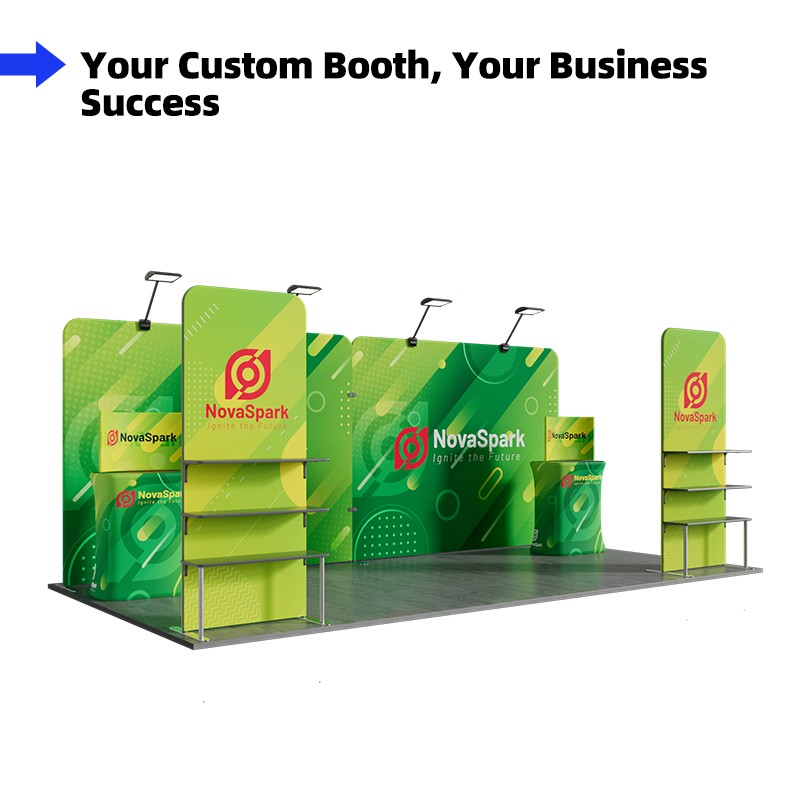
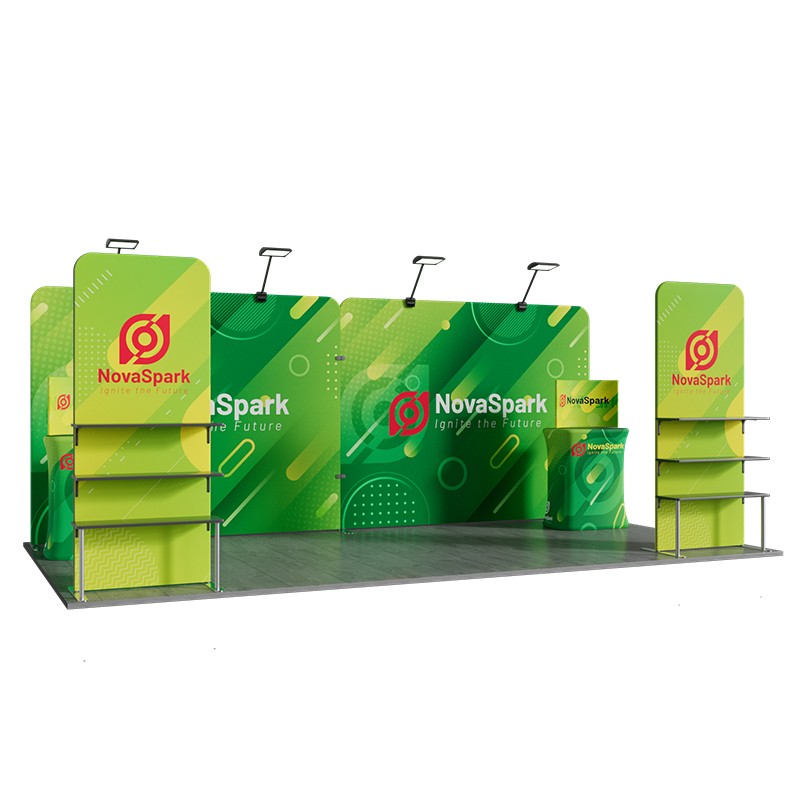
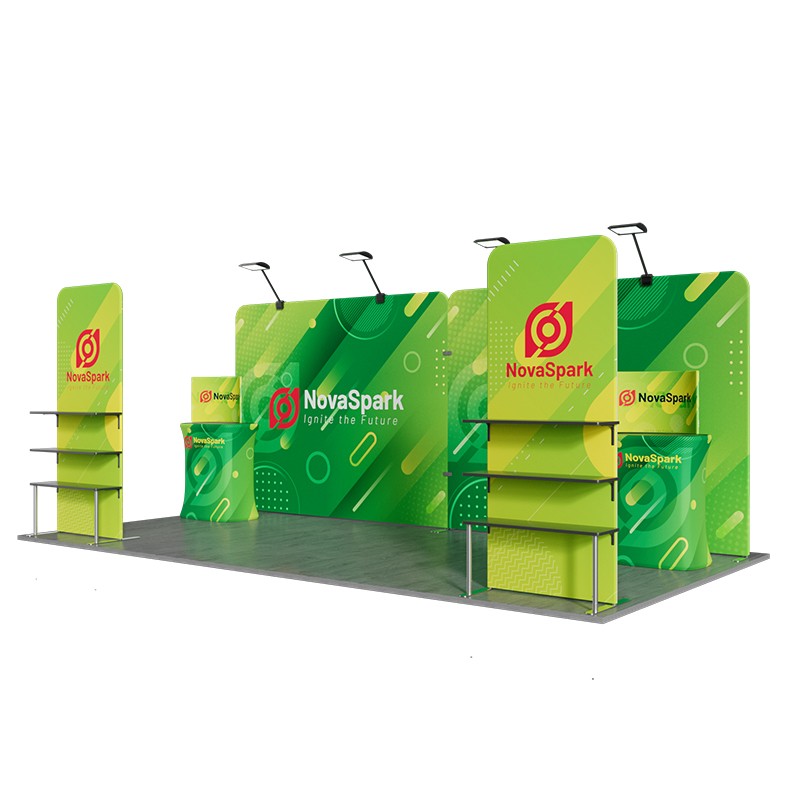
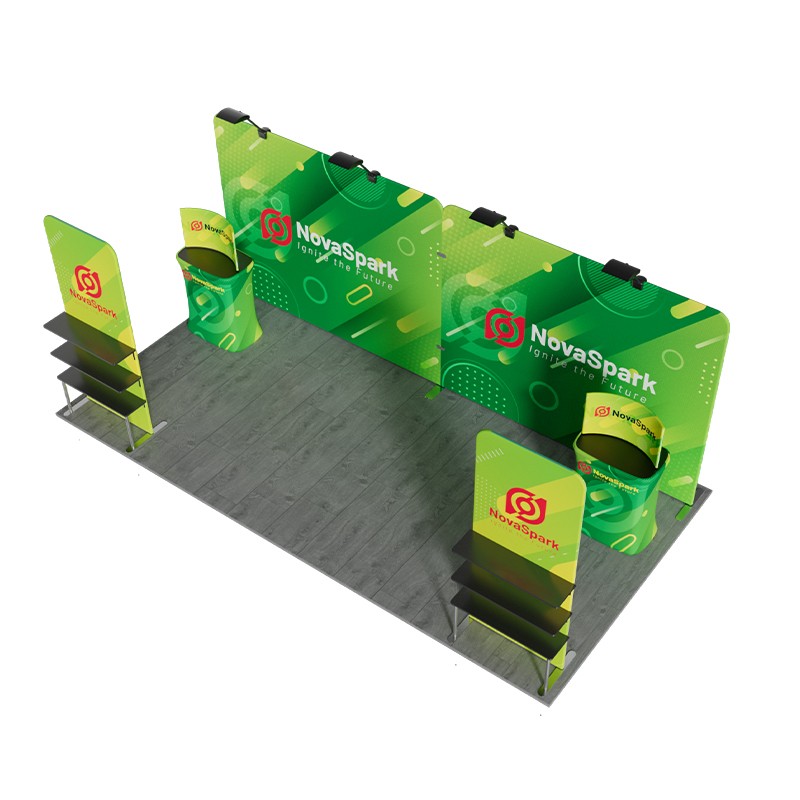
10x20ft Trade Show Booth – Sleek, Functional, and Easy to Set Up
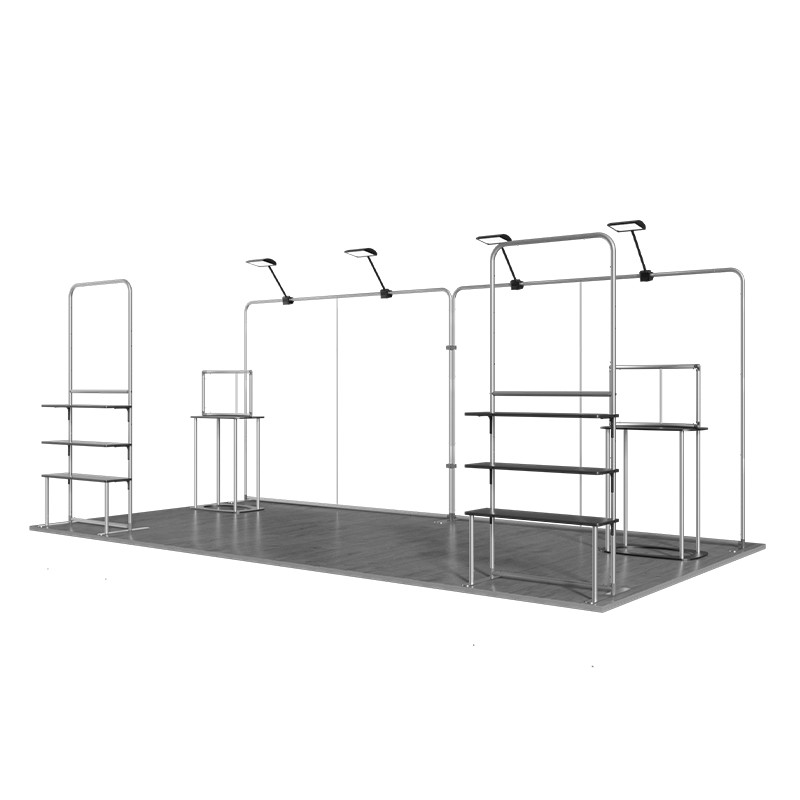
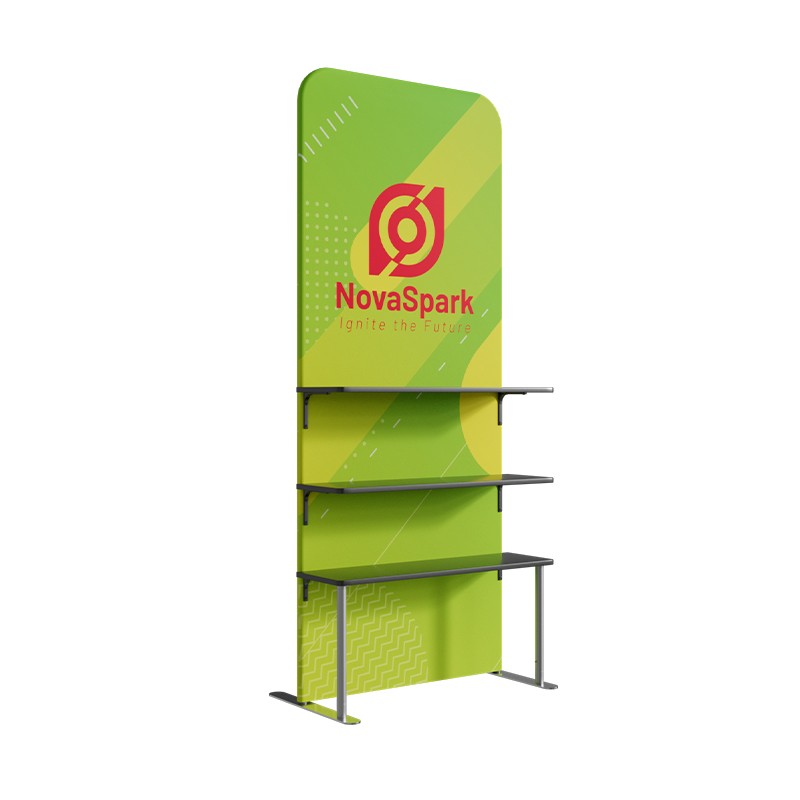
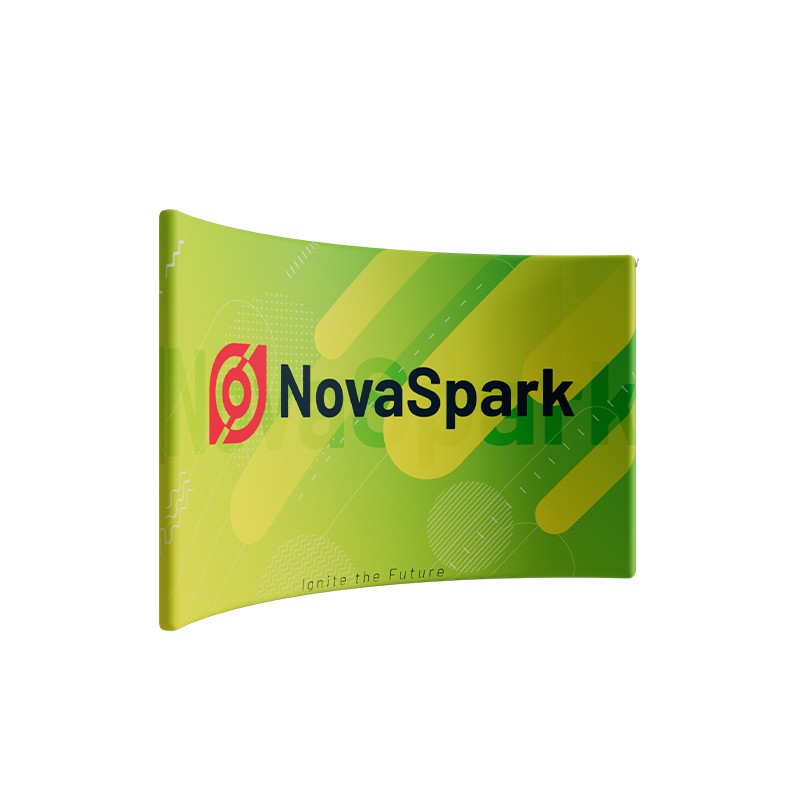
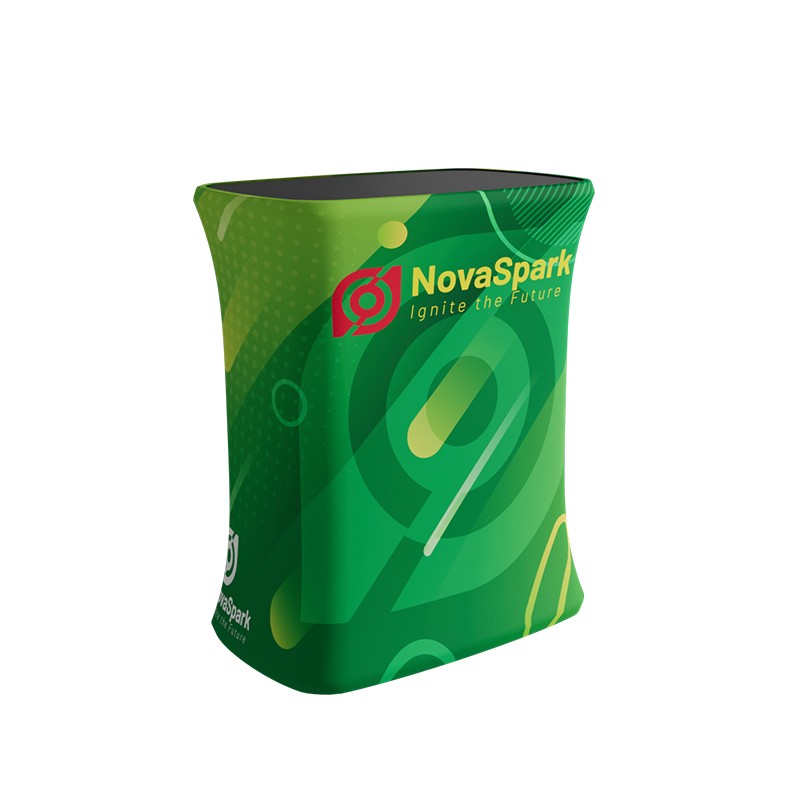
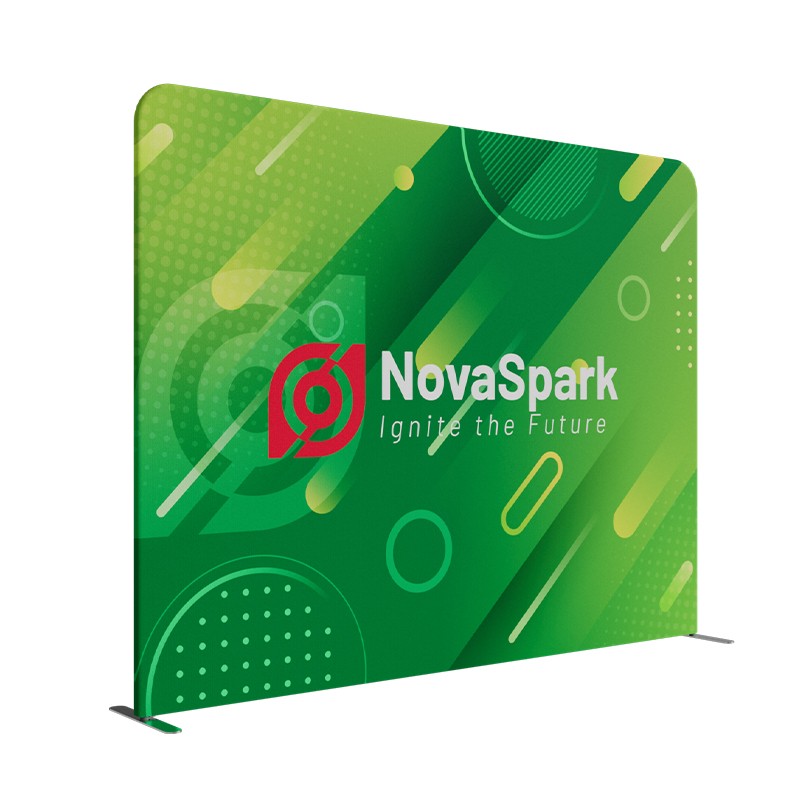
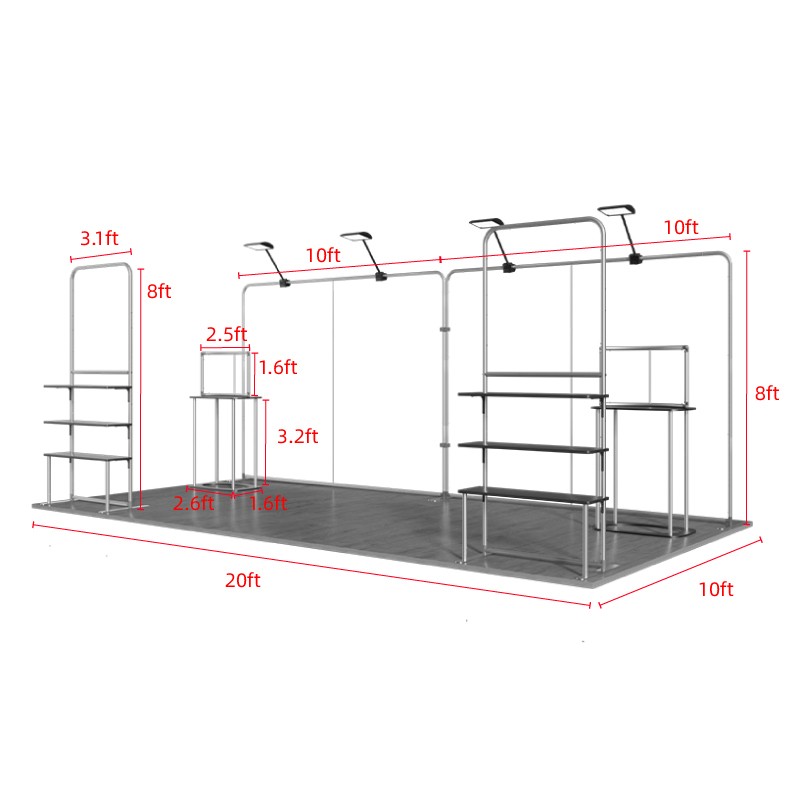
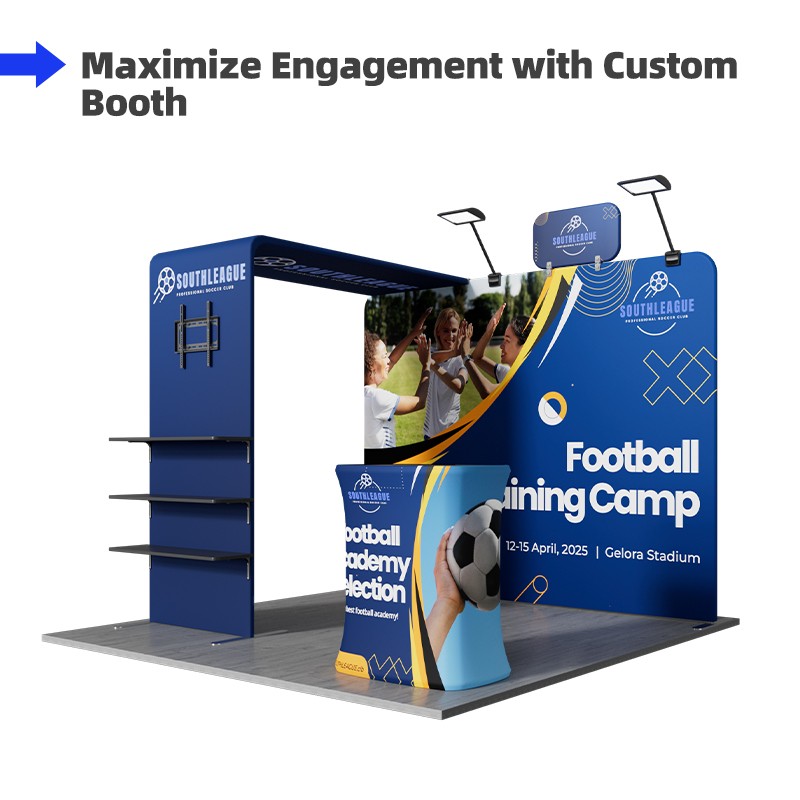
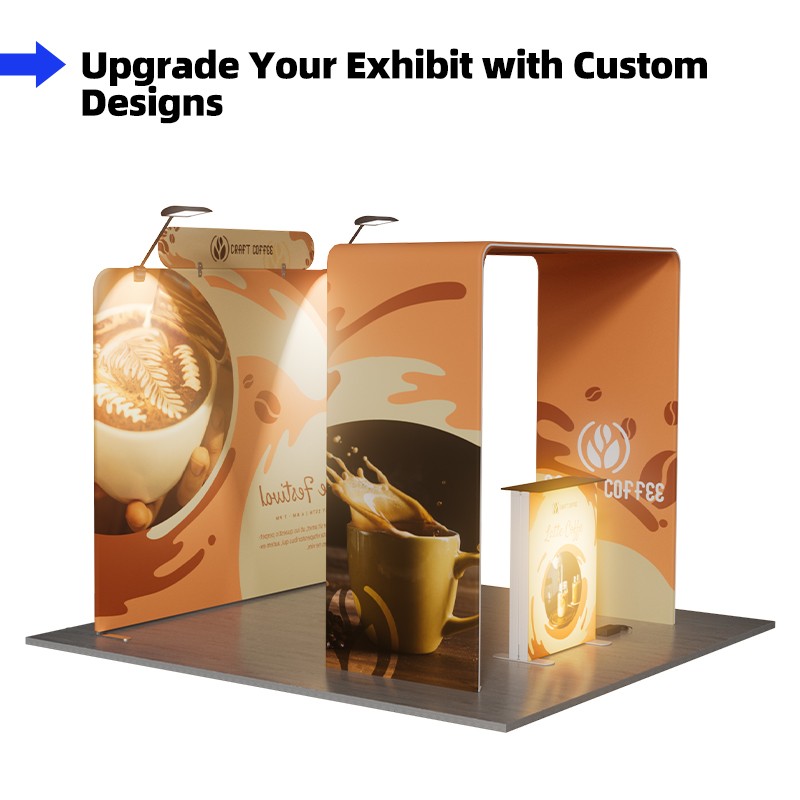
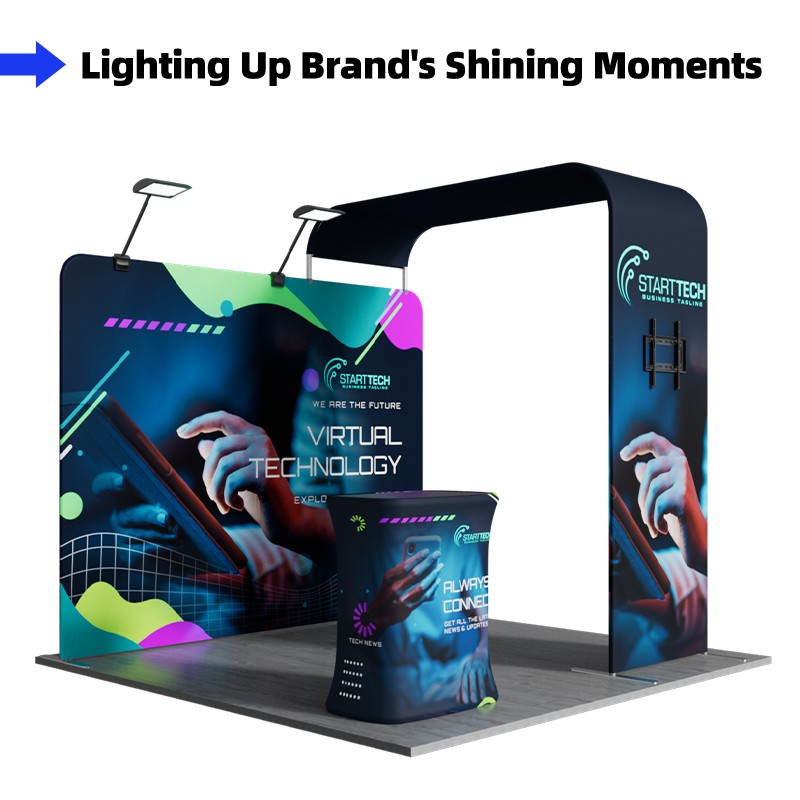
This 10x20ft trade show booth features a clean and professional design, consisting of 2 backdrop displays, 2 displays with three-tier shelves, 4 LED lights, 2 counters, and 2 tabletop displays. The large backdrop grabs attention instantly, while the 6-tier shelves allows for an organized and effective product showcase. This setup helps you convey your brand’s core message in no time, making it an excellent choice for trade shows, product promotions, and brand exhibitions.
Portable Trade Show Booth for Frequent Event Switching
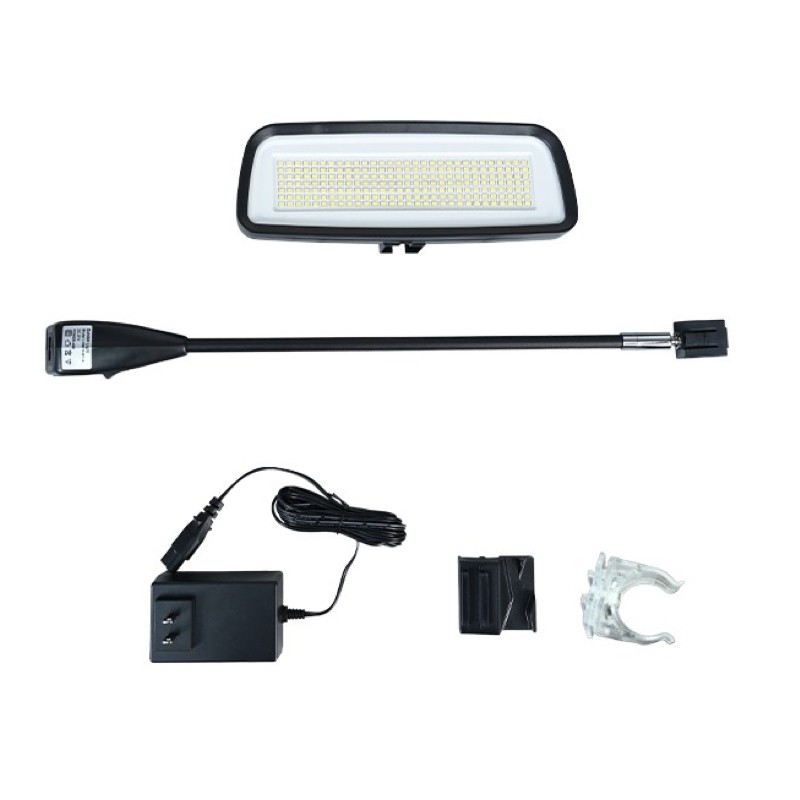
This booth is thoughtfully designed for both practicality and aesthetics, ensuring you maintain a professional image at every event. The core of the booth is formed by two backdrop displays, creating a 20×7.5ft background wall that offers a large printable area for product information, brand stories, or promotional slogans, ensuring clear and effective messaging. Four 40W LED lights provide sufficient illumination, enhancing the display’s visibility. The two display rack with 3-tier shelves offer ample space for product samples and promotional materials. The two counters with tabletop displays serve as both product display platforms and interactive stations, allowing for customer engagement and consultations. These components work together to create a fully functional and visually appealing booth space.
Thanks to the labeled push-tube design, the booth can be assembled in 15 minutes without any tools. The lightweight yet sturdy aluminum frame ensures easy transportation and storage.Whether you’re engaging with customers, presenting products, or reinforcing your brand identity, this trade show booth offers a seamless and memorable exhibiting experience.


Bright Illumination – Four 40W LED lights provide strong and clear lighting, making your display stand out.
Versatile Display Space – The 6-tier shelves and two counters offer ample room for product presentation, meeting various display needs.
Hassle-Free Setup – Labeled aluminum push-tube frame allows for tool-free, quick assembly and disassembly.


Drag the mouse to view the product in 360 degrees.
*Stabilizer Clips are included in the graphics package

| Item | Graphic Size | Frame Size | Material | Printing | Tube Dia | Tube Thickness | Weight Capacity | Quantity |
| Straight Tension Fabric Display | 115.04 x 89.76 inch (292.20 x 228cm) |
115.04 x 89.76 inch (292.20 x 228cm) |
Graphic: Flame-retardant 240g Tension Fabric
Frame: Aluminum Board: Density Board Shelves: Density Board |
Dye Sublimation | 32mm | 1mm | / | 2 |
| Tabletop Tension Fabric Display | 1.80 x1.64 ft (55 x 50cm) |
2.53 x1.64 ft (77 x 50cm) |
2 | |||||
| Deluxe Square Popup Booth | 89.76 x 38.98 inch (228 x 99cm) |
31.50 x 19.69 x 38 inch ( 80 x 50 x 96.5cm) |
2 | |||||
| Tension Fabric Display Rack | 37.4 x 89.76 inch (95.00 x 228.00 cm) |
37.4 x 89.76 inch (95.00 x 228.00 cm) |
Up to 15kg | 2 |
| Item | Output Voltage | Power | Lumens | Led | Color Temperature | Quantity |
| LED Lights | 21V | 40W | 6000Lm | 210 PCS SMD 2835 LED Chip | Cool white/ Warm white/Customized | 4 |
Artwork Requirements
Artwork must be created using the provided templates.
1. Acceptable file types include PDF, AI, EPS, PSD, PNG, TIF, TIFF, JPG, and SVG, among which
AI and PDF are highly recommended.
2. Files must be the same exact size as what is
ordered.
3. The maximum size of the file should be 200M. If you have much larger
files, please contact our customer service representatives.
4. Please review the artwork specification before uploading your file. We will not be responsible for the delayed orders due to artwork that cannot meet the provided requirements.
Notice: For the custom size products, you can just upload your artwork when placing order and our artwork person will help you set up the template.
Template
(Please download and use our artwork templates before submitting your artwork.)
-
10x20ft Trade Show Booth Kit – A2


Production Time
4 turnaround options available to fit your different needs:
1 Day Rush Order, 2 Days Fast Order, 3 Days Standard Order, 4 Days Economy Order.
(*production time shall be calculated from artwork being approved).
Delivery Time
From China to the US: About 2-5 Working Days
From China to Australia: About 2-5 Working Days
From China to Canada: About 2-5 Working Days
If you or your clients do not receive products within the scheduled delivery time, you can contact our customer service reps for help.


Reviews
There are no reviews yet.