


Portable, Adaptable and Captivating SEG Light Box for Your Next Event
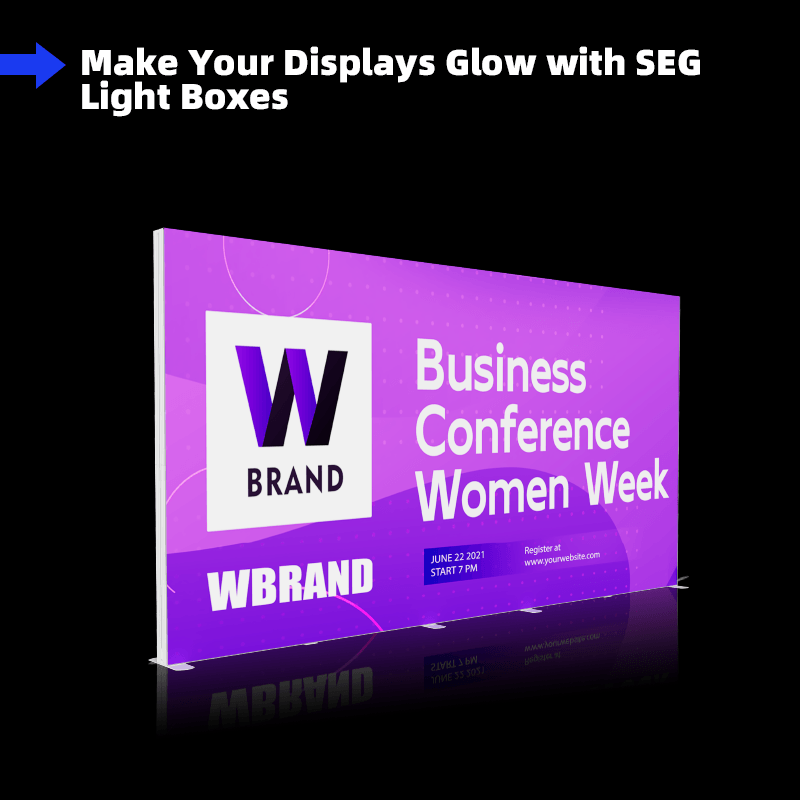
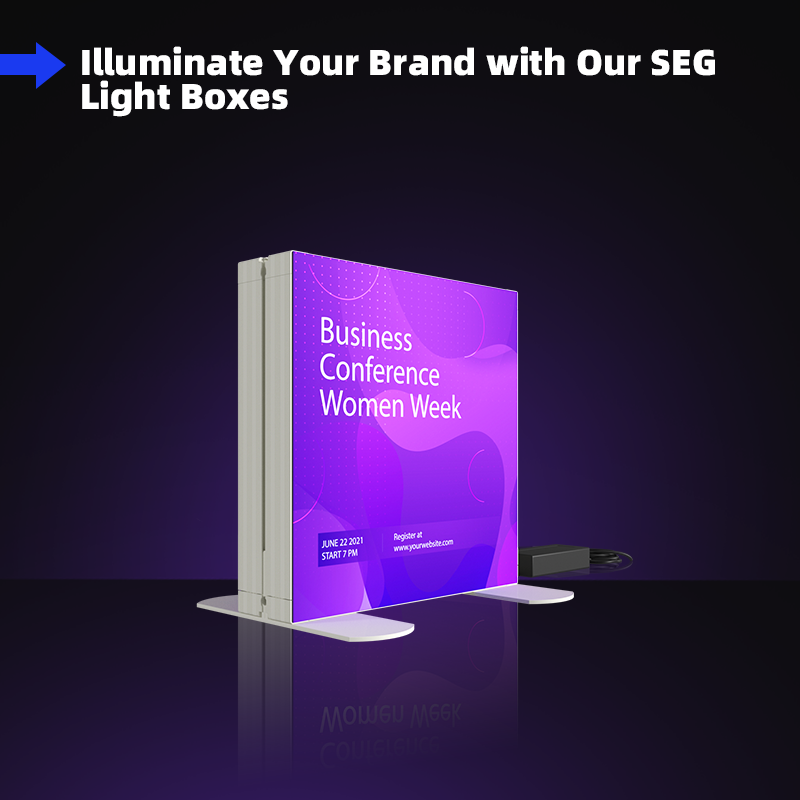
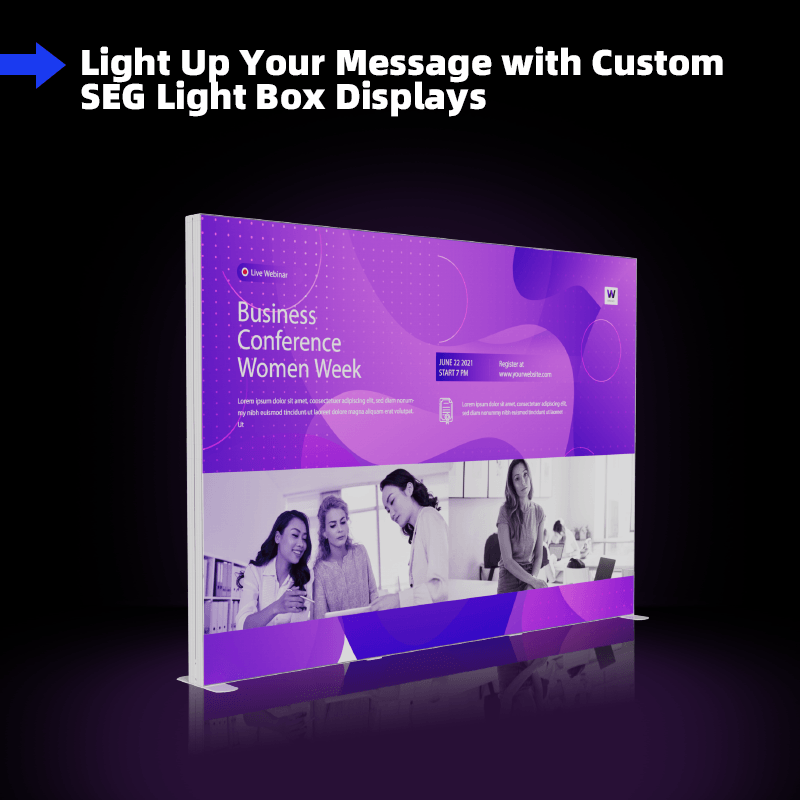
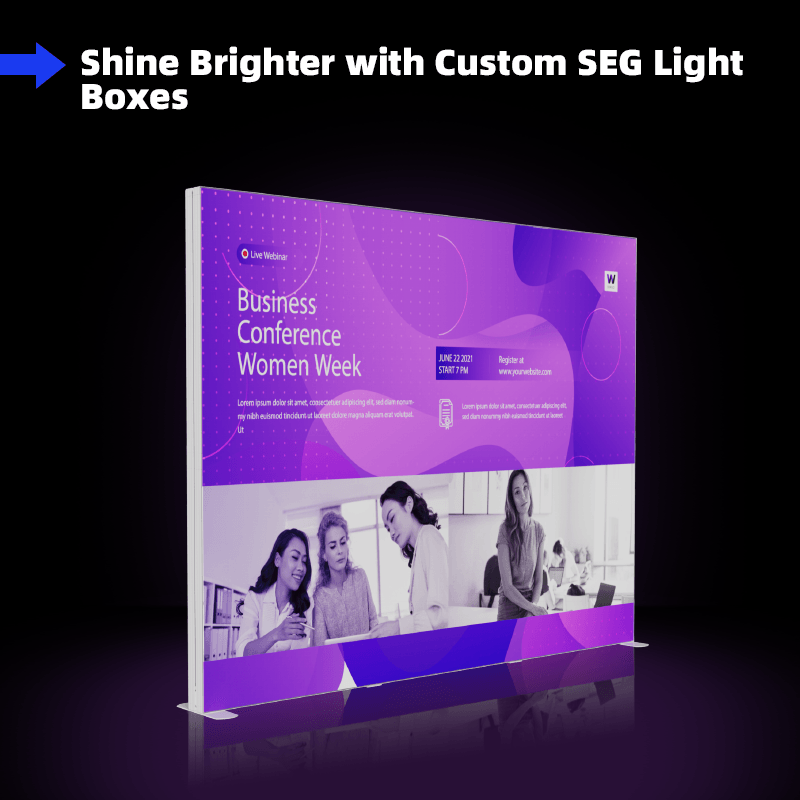
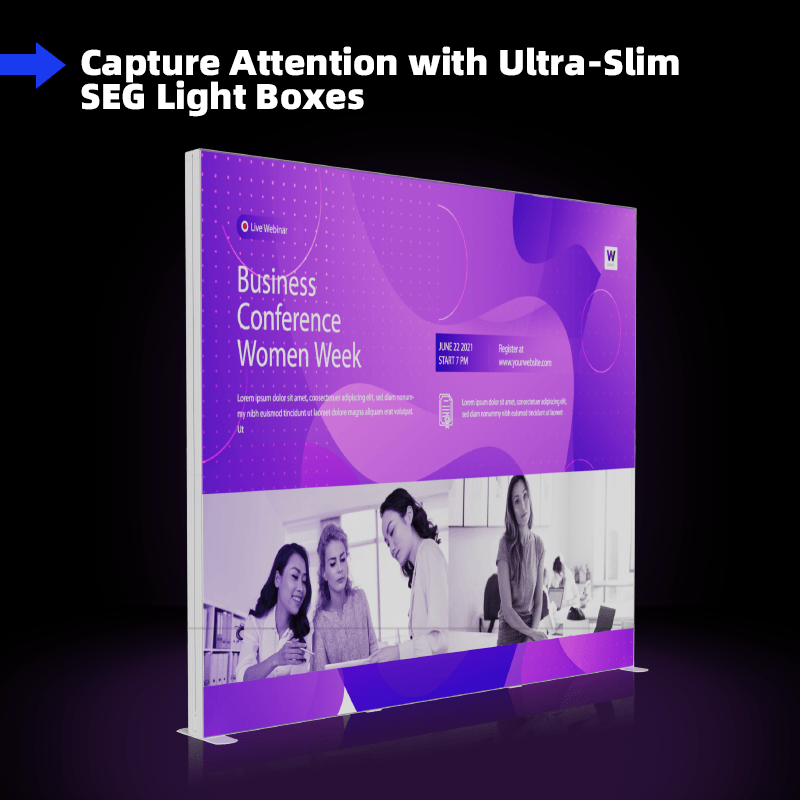
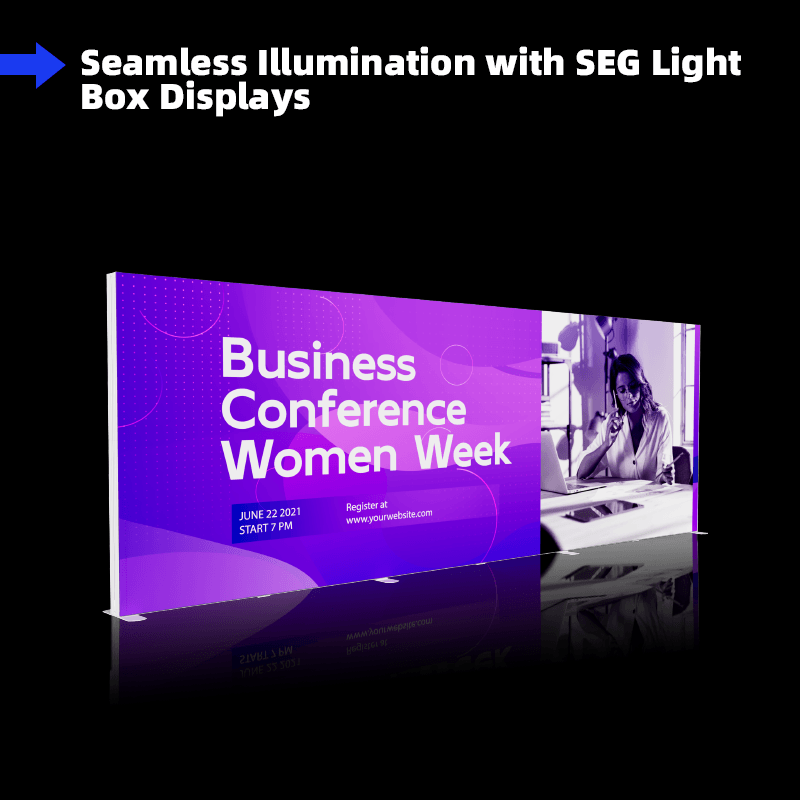
Portable, adaptable and captivating, this dynamic SEG light boxis the perfect display solution that combines the simplicity of a tension fabric display with the added impact of internal LED lights. It is great for advertising at trade shows, conventions, and retail environments.
| Size | Material | Layer | Printing |
| 16.4×7.4ft (500x225cm) |
Graphic: Flame-retardant 200g Backlit Fabric Frame: PVC |
Single-Sided (2pcs) | Dye Sublimation |
| LED Strips (pcs) | LED Beads (pcs) | LED Bead Wattage | Total Wattage | Power Adapters |
| 10 | 150 | 3W/pc | 450W | 264W*2 |
Details
Easy Setup Dynamic Light Box Backdrop Enables Better Display Effect
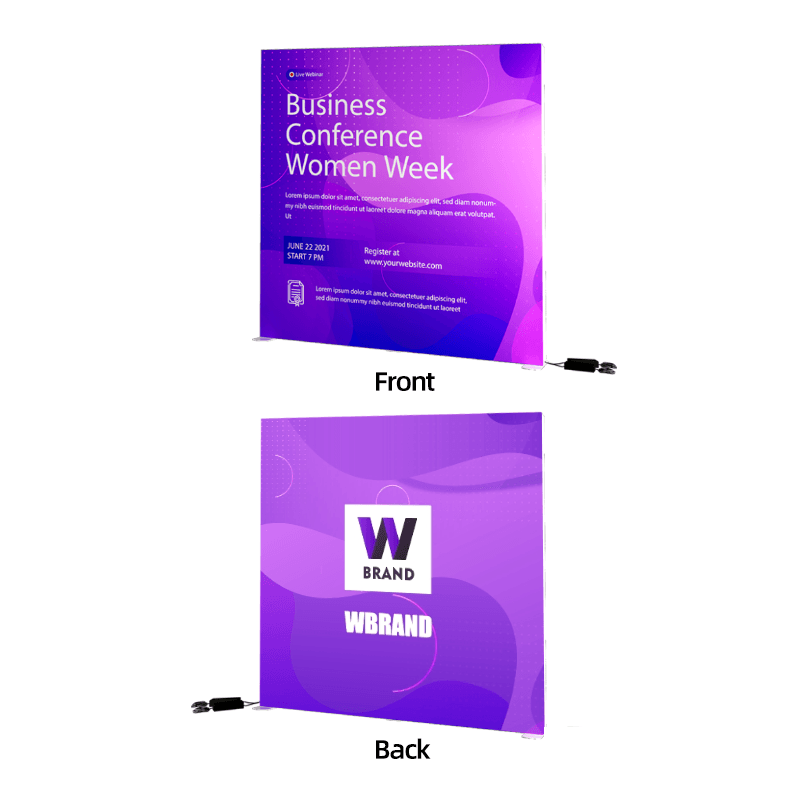
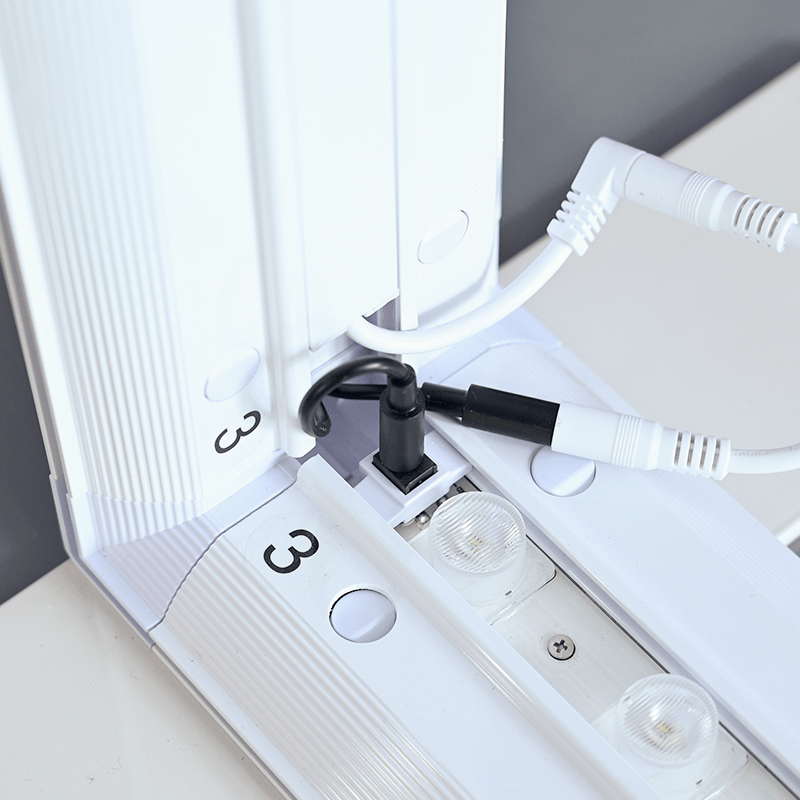
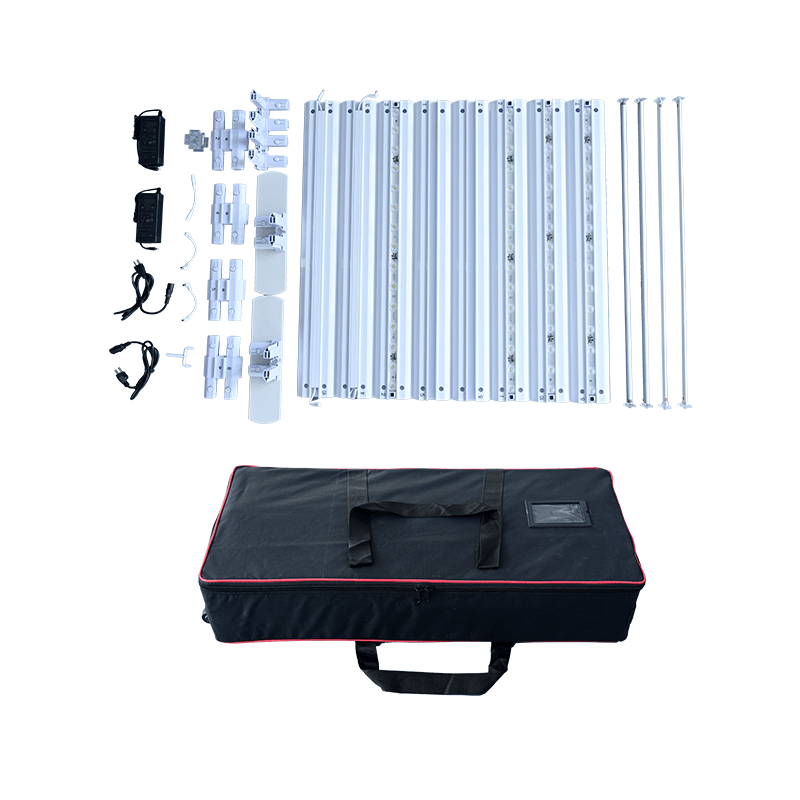
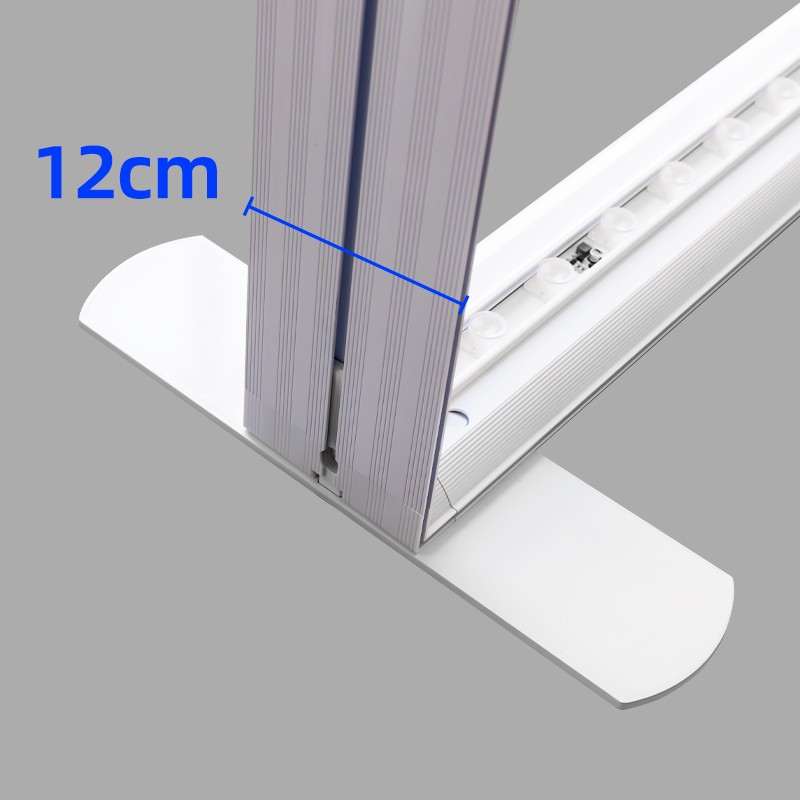
This upgraded SEG light box backdrop goes beyond the traditional single-sided backlit display. It is illuminated with reliable and energy-efficient LED edge lights, delivering vivid and consistent brightness. Each kit includes: 2 custom printed SEG graphics (one for each side), a sturdy aluminum frame, and LED lighting. By installing two single-sided graphics on both sides of the frame, it creates a double-sided display effect—more flexible and practical than conventional double-sided printing.


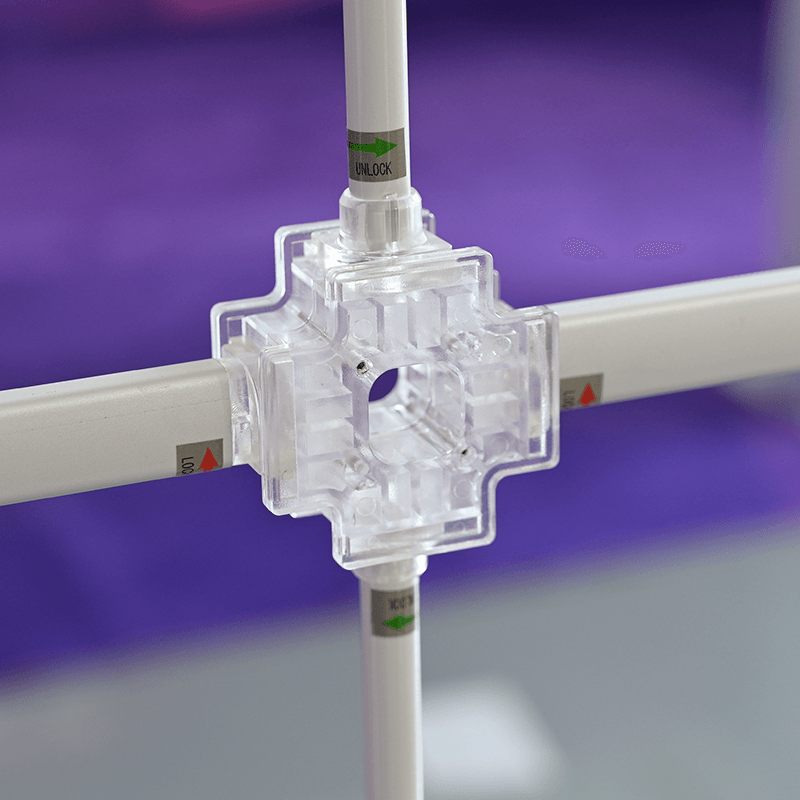
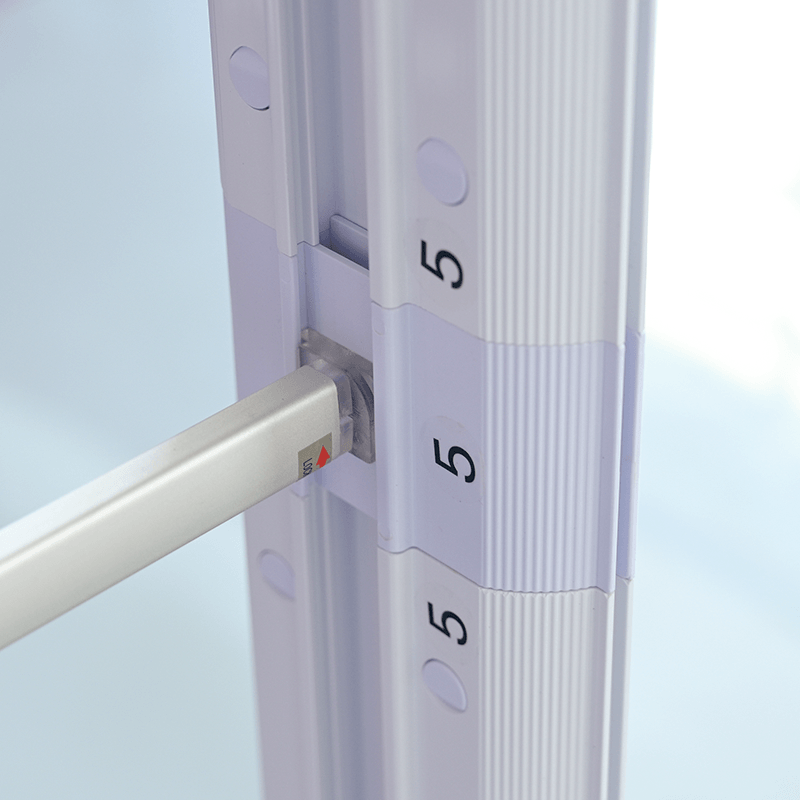
Easy to assemble – The SEG Fabric Frame is easy to assemble and no tool is required.
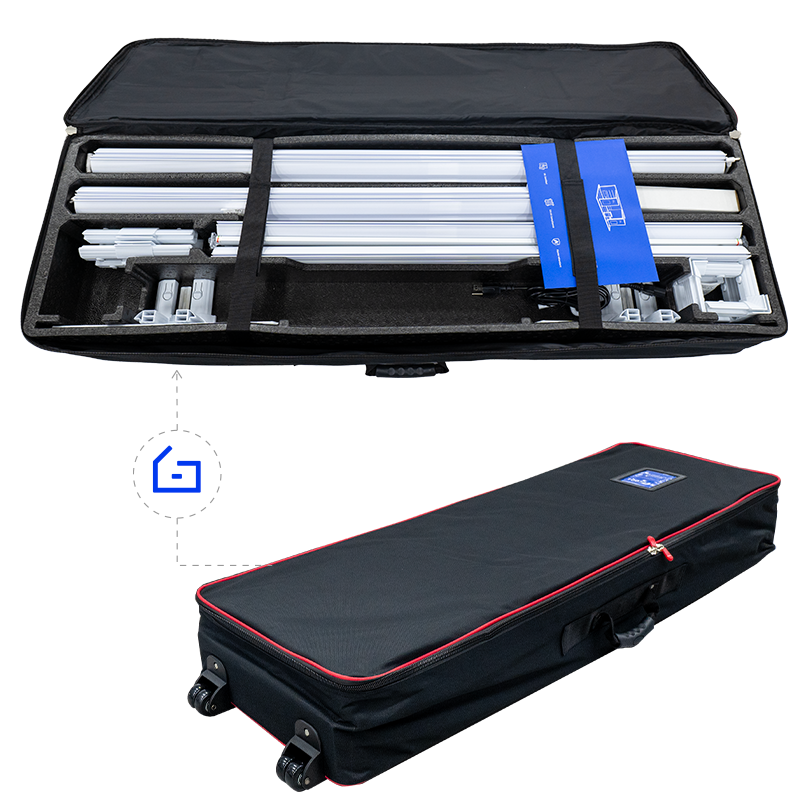
Portable – Portable and adaptable, which makes this backlit SEG Fabric Displays a great option for conventions and trade show events as well as in store retail displays.
Wide use – It is great for Retail Store Signs, Restaurant Menus, Art Gallery Posters, Grand Opening Signs, Trade Show Visual Displays, Office Messages, Showroom Advertising, Backdrop Displays, Photo-ops, Step & Repeat Graphic Designs, Partition Wall Marketing, and so much more

Drag the mouse to view the product in 360 degrees.
Artwork Requirements
Artwork must be created using the provided templates.
1. Acceptable file types include PDF, AI, EPS, PSD, PNG, TIF, TIFF, JPG, and SVG, among which
AI and PDF are highly recommended.
2. Files must be the same exact size as what is
ordered.
3. The maximum size of the file should be 200M. If you have much larger
files, please contact our customer service representatives.
4. Please review the artwork specification before uploading your file. We will not be responsible for the delayed orders due to artwork that cannot meet the provided requirements.
Notice: For the custom size products, you can just upload your artwork when placing order and our artwork person will help you set up the template.
Template
(Please download and use our artwork templates before submitting your artwork.)
-
2.8ft x6.6ft
-
2.8f x7.4ft
-
2.8ft x8.2ft
-
3.3ft x1.6ft
-
3.3ft x6.6ft
-
3.3ft x7.4ft
-
3.3ft x8.2ft
-
6.6ft x1.6ft
-
6.6ft x6.6ft
-
6.6ft x7.4ft
-
6.6ft x8.2ft
-
10ft x6.6ft
-
10ft x7.4ft
-
10ft x8.2ft
-
13ft x6.6ft
-
13ft x7.4ft
-
13ft x8.2ft
-
16.4ft x6.6ft
-
16.4ft x7.4ft
-
20ft x6.6ft
-
16.4ft x8.2ft
-
20ft x7.4ft
-
20ft x8.2ft
Production Time
4 turnaround options available to fit your different needs:
1 Day Rush Order, 2 Days Fast Order, 3 Days Standard Order, 4 Days Economy Order.
(*production time shall be calculated from artwork being approved).
Delivery Time
From China to the US: About 2-5 Working Days
From China to Australia: About 2-5 Working Days
From China to Canada: About 2-5 Working Days
If you or your clients do not receive products within the scheduled delivery time, you can contact our customer service reps for help.
Reviews
There are no reviews yet.